
Надстройка на фърмуера на ISDB-T модулатор Vcan1907
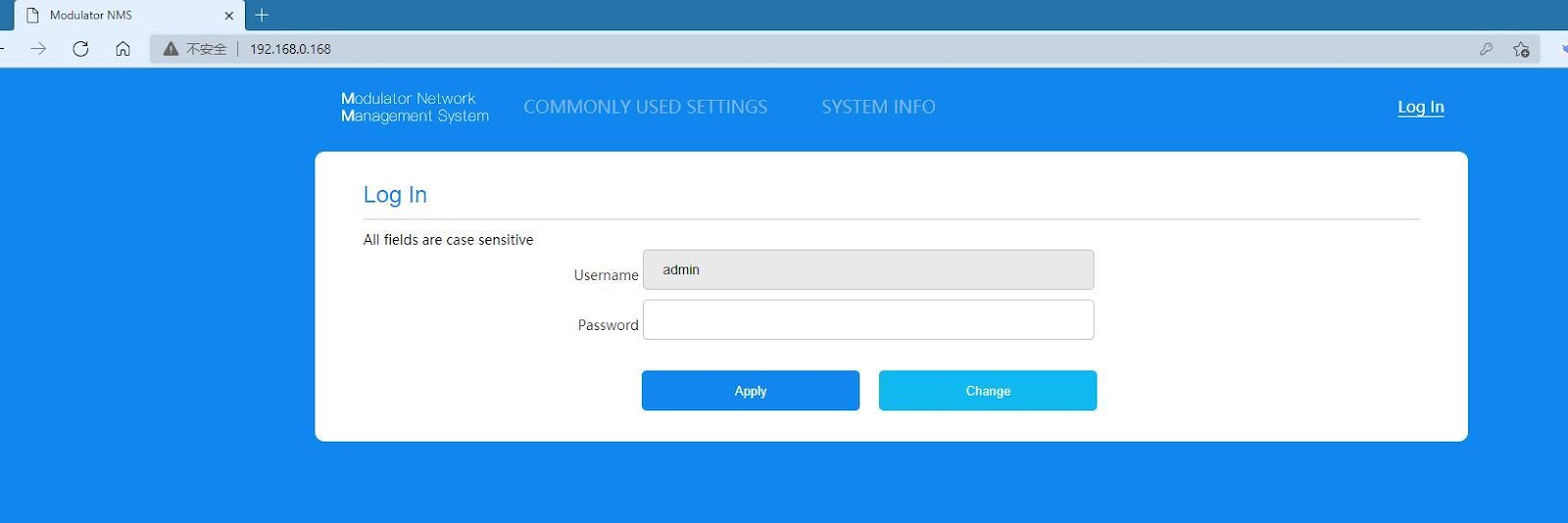
- След включване на ISDB-T модулатора, свържете мрежовия кабел, отворете браузъра, и въведете IP адреса: 192.168.0.168 (паролата на акаунта по подразбиране е admin)
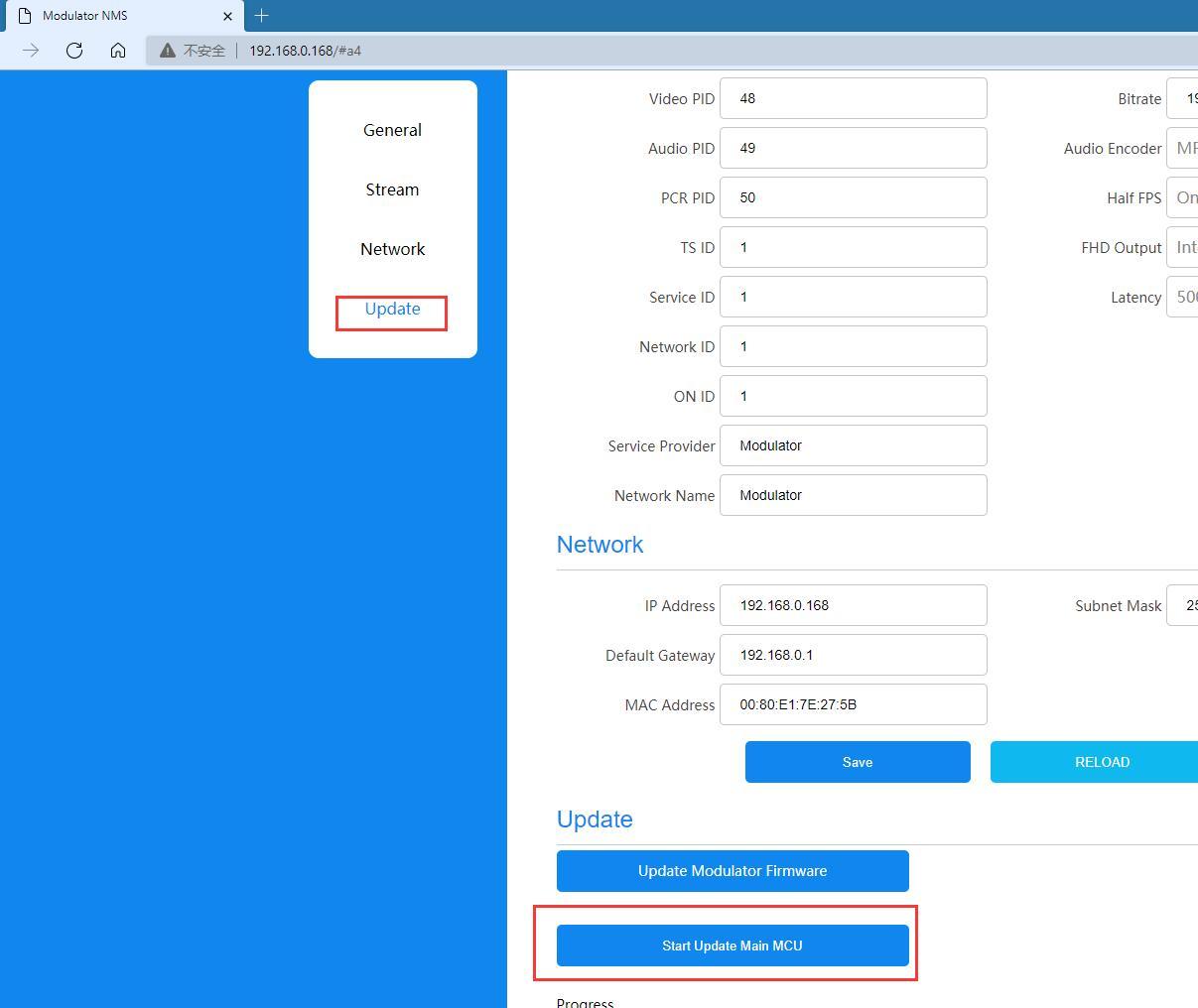
- Изберете главното меню Актуализация ——-стартирайте Update Main MCU
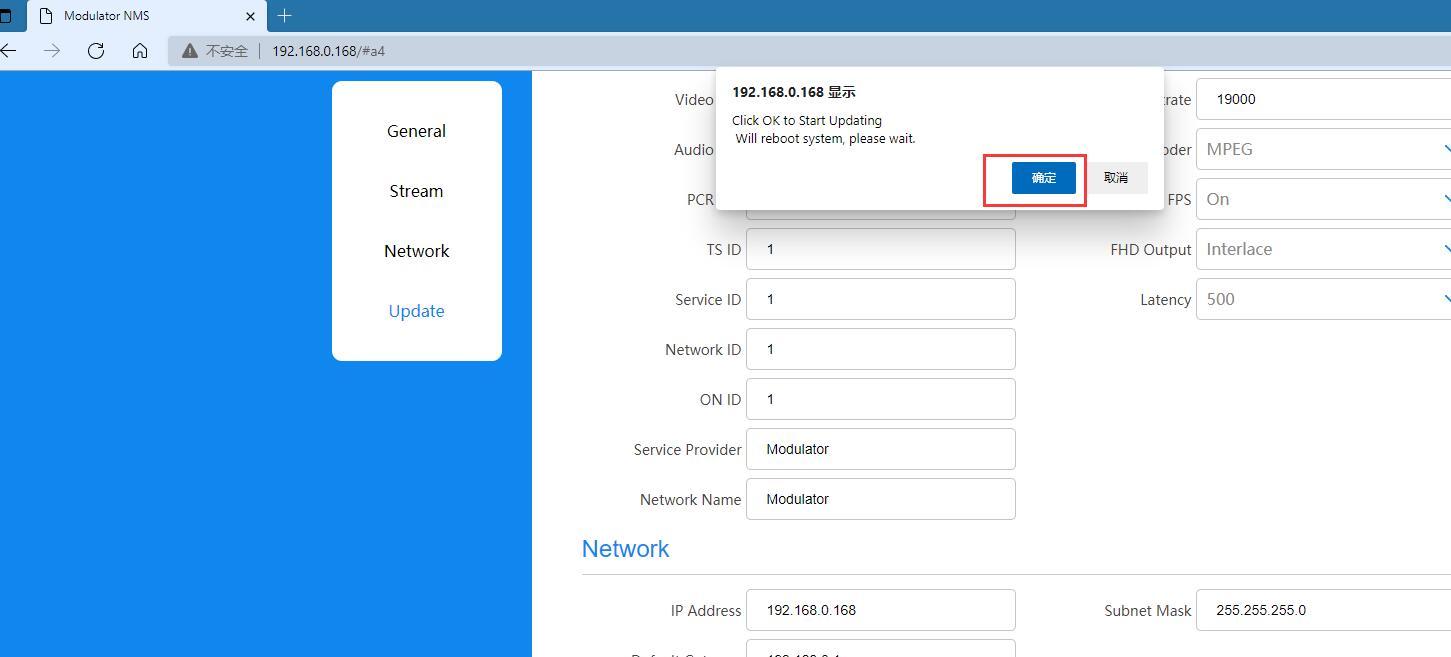
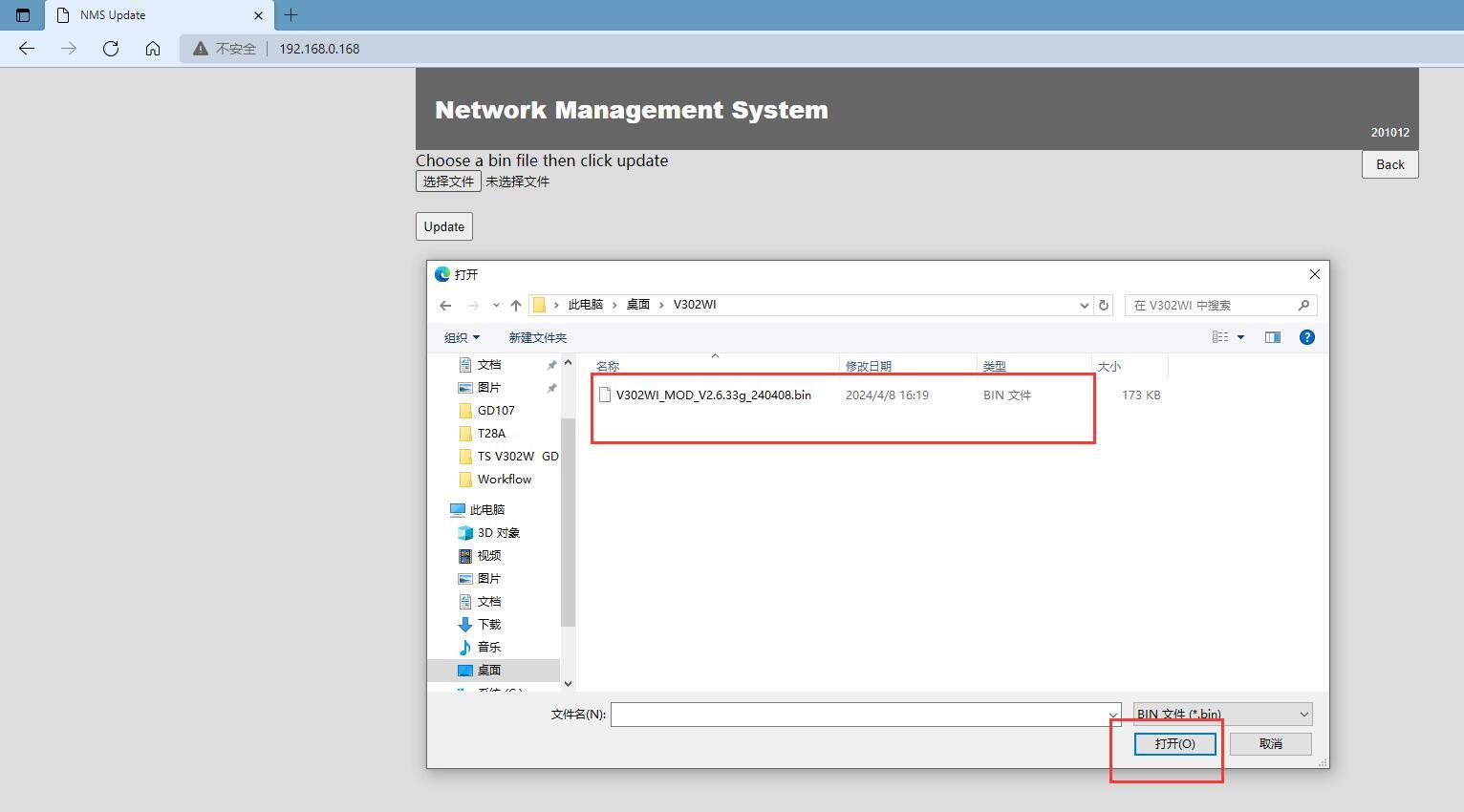
- Изчакайте да влезете в уеб страницата за запис на код на дънната платка, щракнете, за да изберете файла, и въведете папката, където се съхранява кодът на дънната платка.
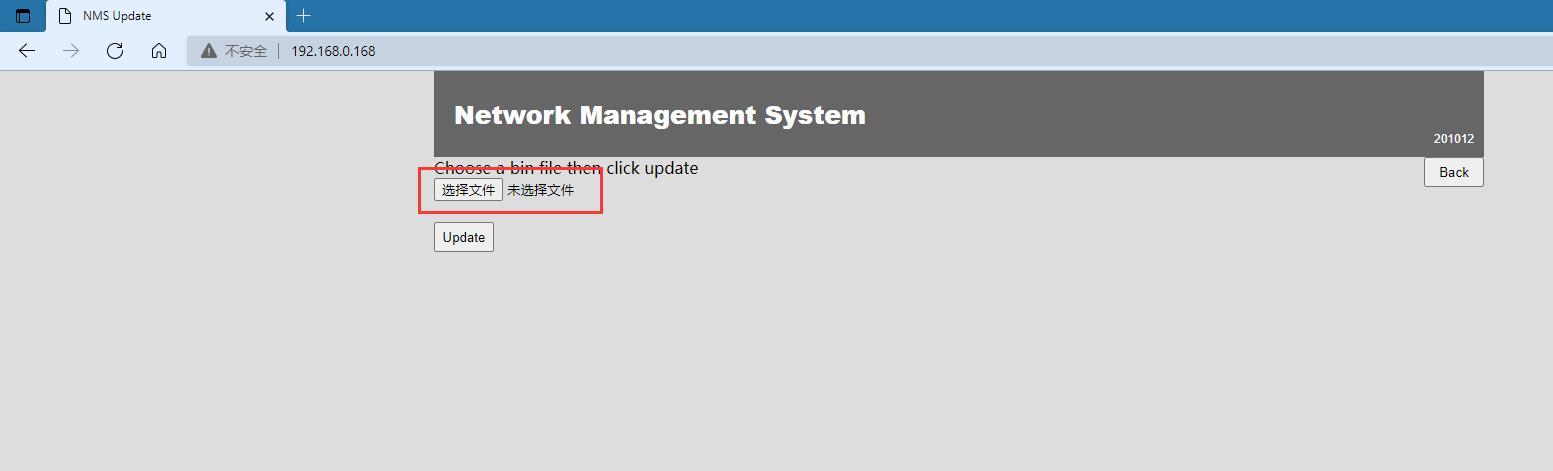
- След като изберете файла, щракнете върху Отвори
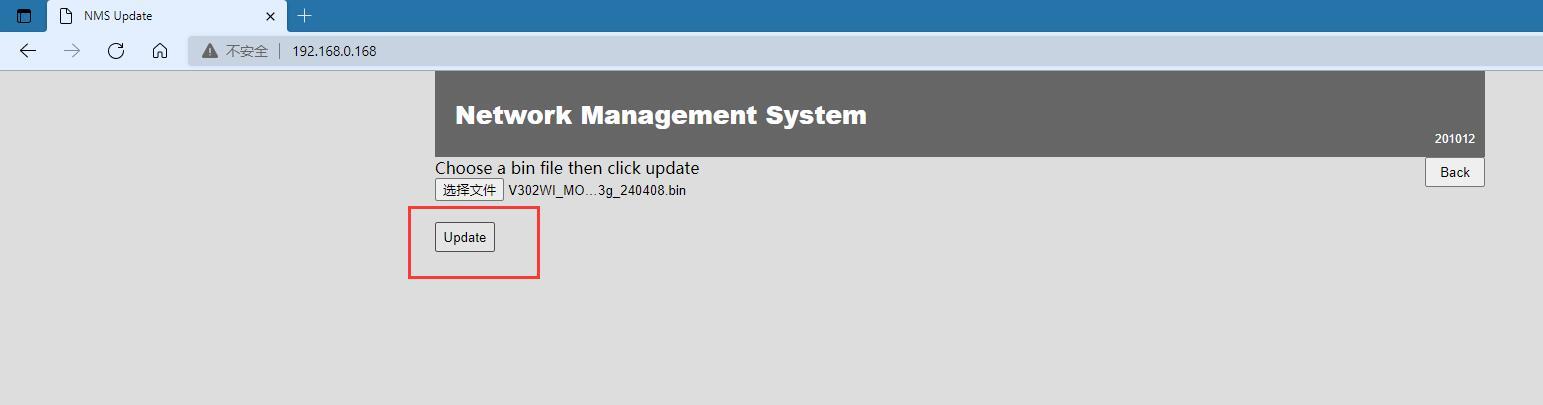
- Щракнете върху Актуализация, дънната платка въвежда кода за актуализация, моля, не спирайте захранването през този период
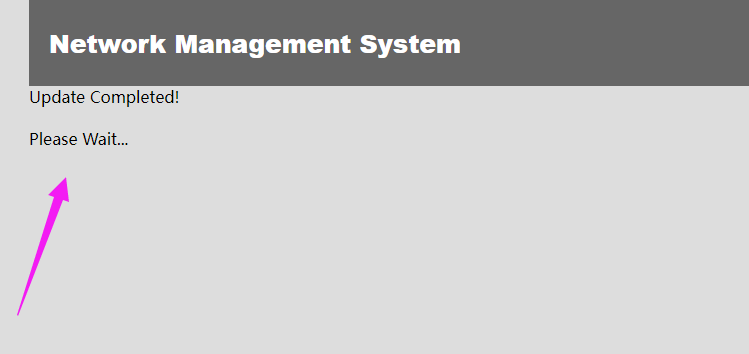
- След завършване на актуализацията, машината ще се рестартира автоматично. След като рестартирането приключи, обновете уеб страницата, за да влезете в интерфейса за влизане.
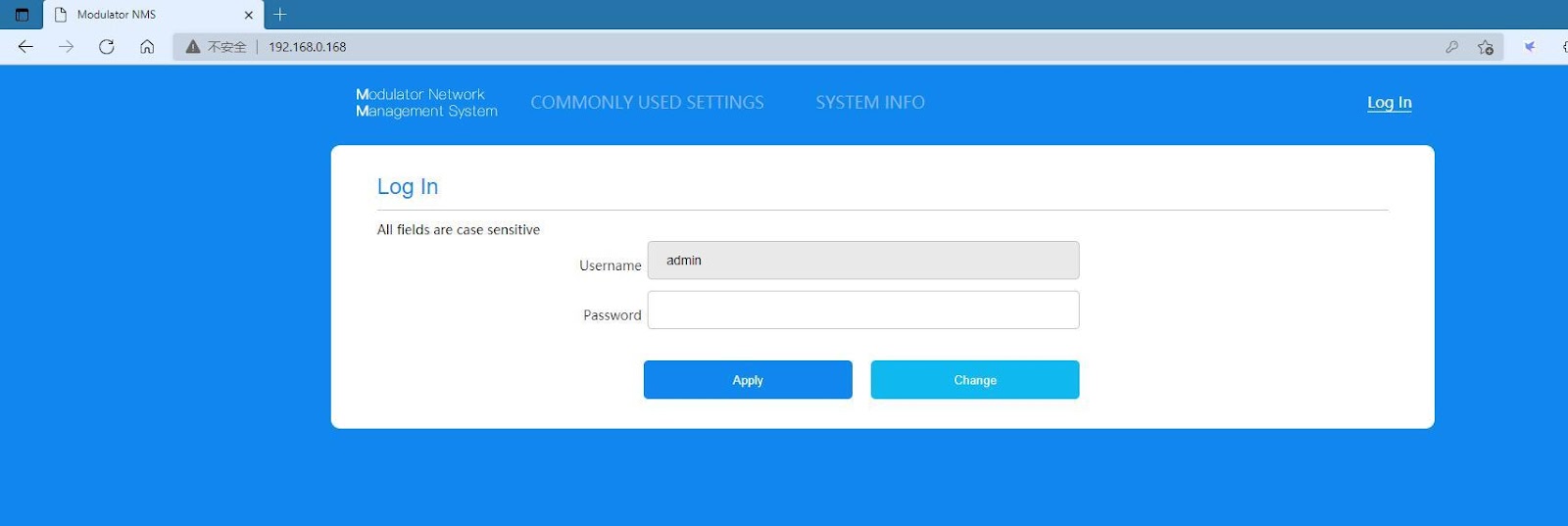
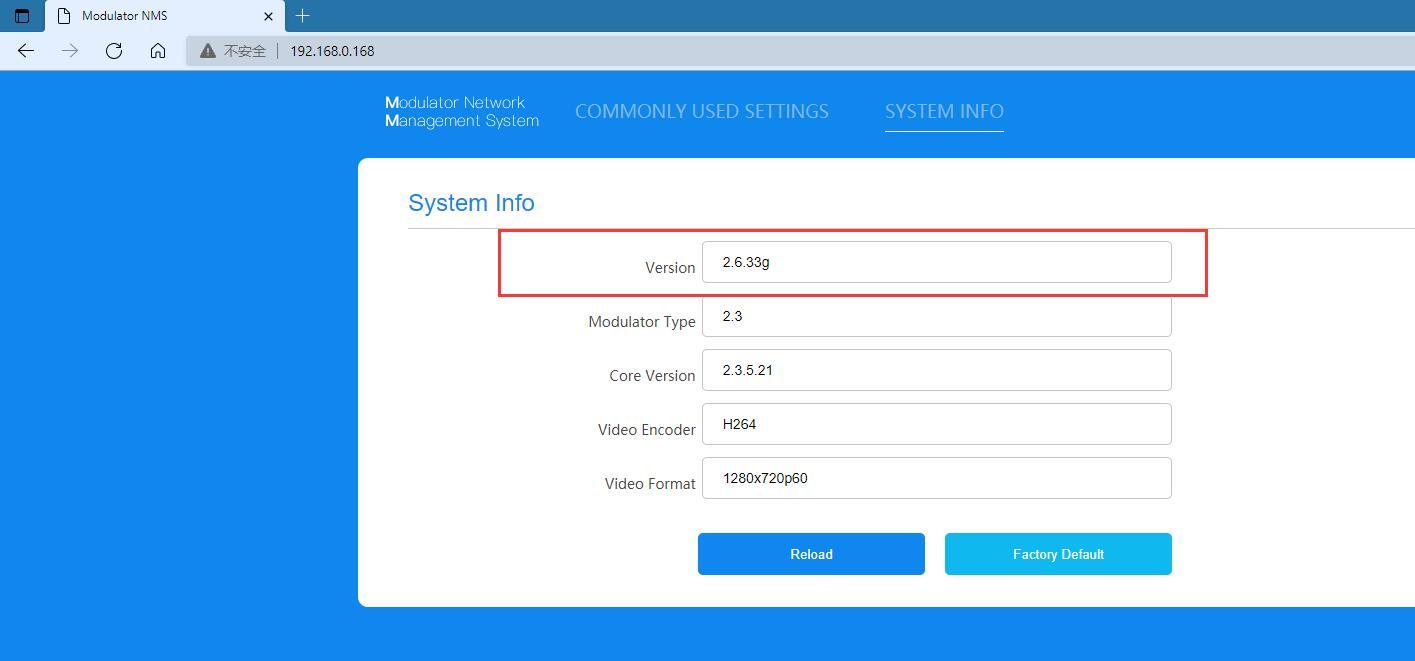
7. Въведете паролата admin, за да влезете в основния интерфейс, и въведете SYSTEM INFO, за да проверите дали версията е съвместима с актуализираната версия на файла.
Изтегляне на фърмуера за надграждане на ISDB-T модулатор
https://drive.google.com/file/d/1RN-H1ksU3IVonmIJjqK6qQFm49kdW6oe/view?usp=drive_link

Задайте въпрос
Вашето съобщение е изпратено