


360 Kameraumschalter
360 Grad vier Kameraeingang, ein Videoausgang 4 zu 1 digitaler TFT-Touchscreen mit USB VGA VCAN1349

Beschreibung
360 Kameraumschalter, 4 zu 1 Intelligent 360 Der Panoramic Switcher soll mehr Videoeingänge für Kameras hinzufügen, wenn er mit einer Videoschnittstelle für verschiedene Automodelle verbunden ist. Es handelt sich um eine Art DIY-Lösung für Kunden mit einfacher Installation. Der Umschalter kann mit einer Videoschnittstelle arbeiten, Aftermarket-Auto-DVD, oder überwachen.
Spezifikation
- Vier Videoeingänge: Linke Ansicht, Richtige Ansicht, Vorderansicht, und Rückwärtsansicht. Für jeden Videoeingang steht eine +12V-Stromversorgung zur Verfügung.
- Vier Videoausgänge teilen sich einen Videokanal mit derselben Leistungstriggerleitung.
- When each camera gets a power supply from the corresponding car lamp, the display could show the correct video channel by turning on the left and right indicator or back up. When you turn “R” to other gear, the display will show the front view for 7 Sekunden (it’s optional). After 7 Sekunden, it gets back video output closed state.
- Cable color refers to +12V power (Red cable), GND – (Black cable), Left indicator (Blue cable), Right indicator (Green cable), and Back-up lamp (White cable)
- The product itself has designed the product power and the camera supply protection circuit carries on the protection to the camera and the vehicle circuit.
- It adopts a wireless remote control.
- Wide voltage VCC 8-16V; If it’s applied in the truck, you should use a 24V to 12V transformer.
Paket
Standard contents: 4 zu 1 intelligent 360 Panorama-Umschalter, Composite-Kabel, manual book.
Installation

- Blue trigger line to connect with backup lamp power
- White trigger line to connect with left indicator power
- Green trigger line to connect with right indicator power
- Red and the black line is + 12V power input
- Fernbedienung:
M button — Switch the module and Exit from the camera output
B button — Reverse camera
R button — Right camera
L button — Left camera
F button — Front camera
(The display view could be switched by both the power trigger line and remote control. If you think the power trigger connection is complex, you can use the remote control. Only in that case when exiting from back-up to front view 7s, it only supports the back-up trigger. It mainly reduces error operations.)
Übersicht über die Produktmerkmale
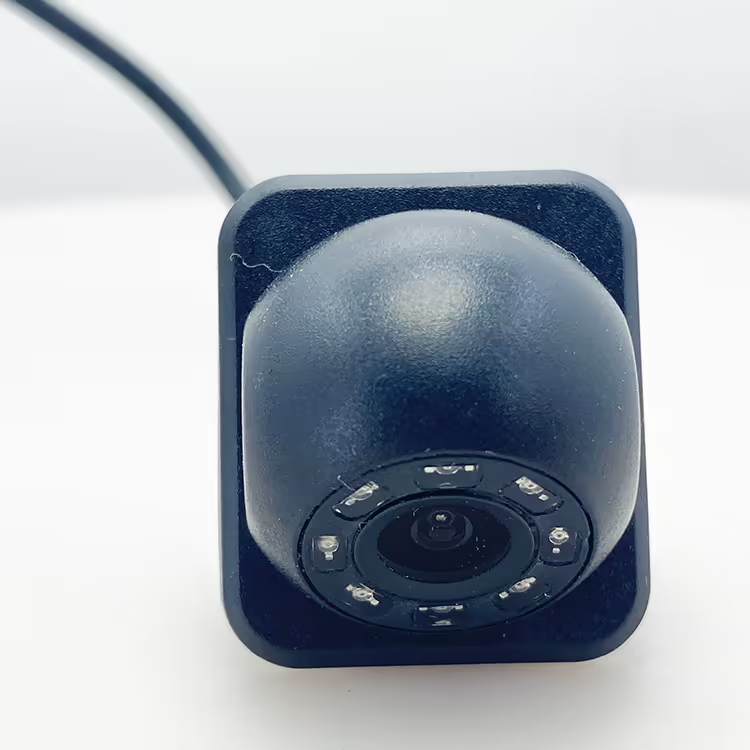
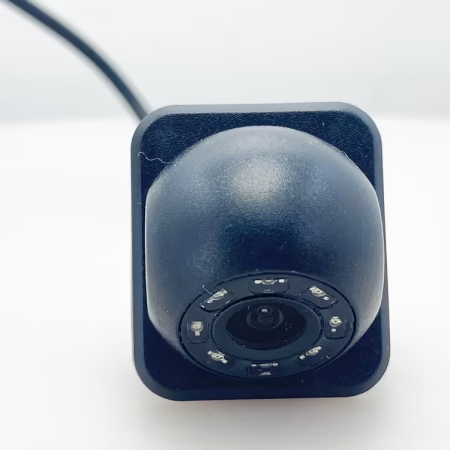
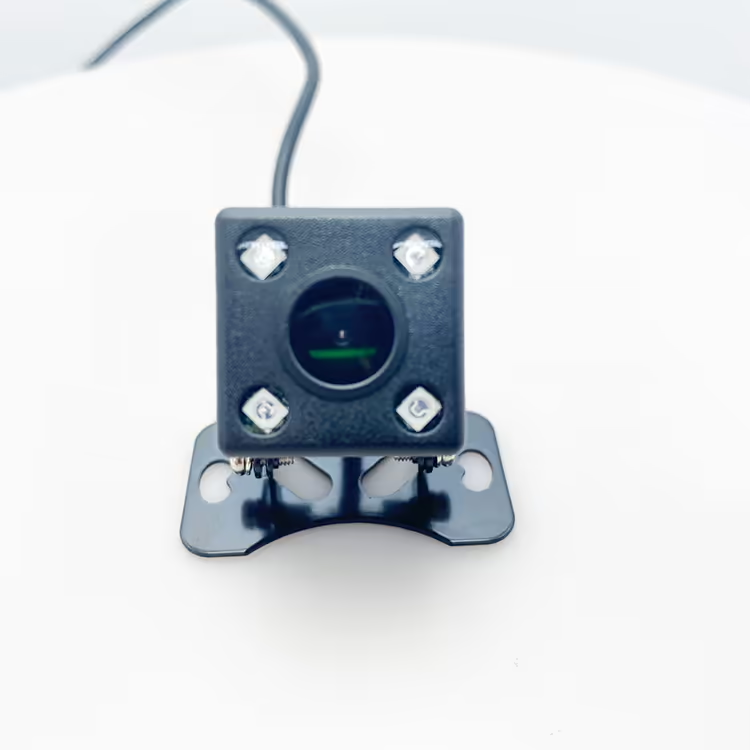
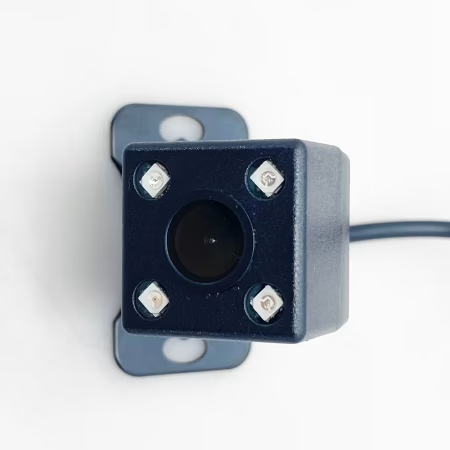
Our product allows for the simultaneous connection of four cameras positioned around the vehicle: one in front, one in the rear, and one on each side (left and right). Zusätzlich, it includes three trigger lines for enhanced functionality.
Kamerafunktionalität
Forward Motion: When the vehicle is moving forward, the display primarily shows the video feed from the front camera.
Reversing: Upon engaging reverse gear, the trigger line linked to the reverse light activates, automatically switching the display to show the rearview camera.
Blinker:
The left camera’s trigger line is connected to the left turn signal. When activated, it switches the display to show the left-side camera view.
Similarly, the right camera’s trigger line connects to the right turn signal, allowing for a seamless switch to the right-side camera when needed.
Schaltmechanismus
As a sophisticated switcher for onboard cameras, our system intelligently rotates through the camera feeds based on the vehicle’s driving signals. Please note that only one camera feed can be displayed simultaneously, ensuring clarity and focus on the relevant surroundings.
Videoshows-Funktion
Galerie


FAQ
Q: Kann das Video von vier Kameras auf demselben Monitor angezeigt werden??
EIN: Our product supports connecting four cameras at the same time, in front of the car, behind the car, on the left side of the vehicle, and on the right side of the car, and there are three trigger lines.
When the car is moving forward, the display normally displays the video in front of the car. When the car starts to reverse, the trigger line connected to the reverse light works, and the display switches to the rearview camera.
In the same way, the trigger line of the left camera is connected to the left turn signal, and the trigger line of the right camera is connected to the right turn signal.
As a switcher for on-board cameras, the current camera screen can be switched in turn according to the car’s driving lights, and the screen of four cameras cannot be displayed at the same time.



ISDB-t.com_buyer –
This 4-to-1 intelligent panoramic video switcher is an absolute game-changer for my surveillance and monitoring setup! The installation was incredibly straightforward—I simply connected my four cameras to the inputs and ran a single output cable to my recorder. The intelligent switching is seamless and brilliantly intuitive; it automatically detects motion and prioritizes the most active camera feed, ensuring I never miss critical activity. The picture quality remains sharp and clear, with no lag or distortion during the transition. It has drastically simplified my system, reducing cable clutter and the need for constant manual monitoring. For anyone managing multiple camera feeds and wanting a smart, automated solution, this switcher is incredibly efficient, zuverlässig, and offers outstanding value. It performs exactly as promised!