


360 comutator de cameră
360 gradul patru intrare cameră o ieșire video 4 la 1 comutator panoramic inteligent

Descriere
360 comutator de cameră, 4 la 1 Inteligent 360 Panoramic Switcher ar trebui să adauge mai multe intrări video pentru camere atunci când este conectat cu interfață video pentru diferite modele de mașini. It’s a sort of DIY solution for customers with easy installation. Comutatorul poate funcționa cu o interfață video, aftermarket car DVD, or monitor.
Specificație
- Patru intrări video: Vedere din stânga, Vedere corectă, Vedere din față, și vizualizare inversă. Există o sursă de alimentare de + 12V pentru fiecare intrare video.
- Patru ieșiri video se partajează cu un canal video cu aceeași linie de declanșare a puterii.
- When each camera gets a power supply from the corresponding car lamp, the display could show the correct video channel by turning on the left and right indicator or back up. Când te întorci “R” la alte unelte, the display will show the front view for 7 secunde (este opțional). După 7 secunde, obține înapoi ieșirea video starea închisă.
- Culoarea cablului se referă la puterea de + 12V (Cablu roșu), GND – (Cablu negru), Indicator stânga (Cablu albastru), Indicator drept (Cablu verde), și lampă de rezervă (Cablu alb)
- Produsul în sine a proiectat puterea produsului, iar circuitul de protecție a alimentării camerei asigură protecția camerei și a circuitului vehiculului.
- It adopts a wireless remote control.
- Tensiune largă VCC 8-16V; Dacă este aplicat în camion, ar trebui să utilizați un transformator de 24V la 12V.
Pachet
Conținut standard: 4 la 1 inteligent 360 Comutator panoramic, telecomandă, manual.
Instalare

- Linia de declanșare albastră to connect with backup lamp power
- Linia de declanșare albă pentru a vă conecta cu indicatorul de stânga
- Linie de declanșare verde pentru a vă conecta cu indicatorul de alimentare corect
- Roșu și linia neagră este + 12V intrare de putere
- Telecomandă:
Butonul M. — Switch the module and Exit from the camera output
Butonul B. — Camera inversă
Butonul R. — Camera dreapta
Butonul L — Camera stângă
Butonul F. — Camera frontala
(The display view could be switched by both the power trigger line and remote control. Dacă credeți că conexiunea declanșatorului de alimentare este complexă, puteți utiliza telecomanda. Only in that case when exiting from back-up to front view 7s, acceptă doar declanșatorul de rezervă. Reduce în principal operațiunile de eroare.)
Product Features Overview
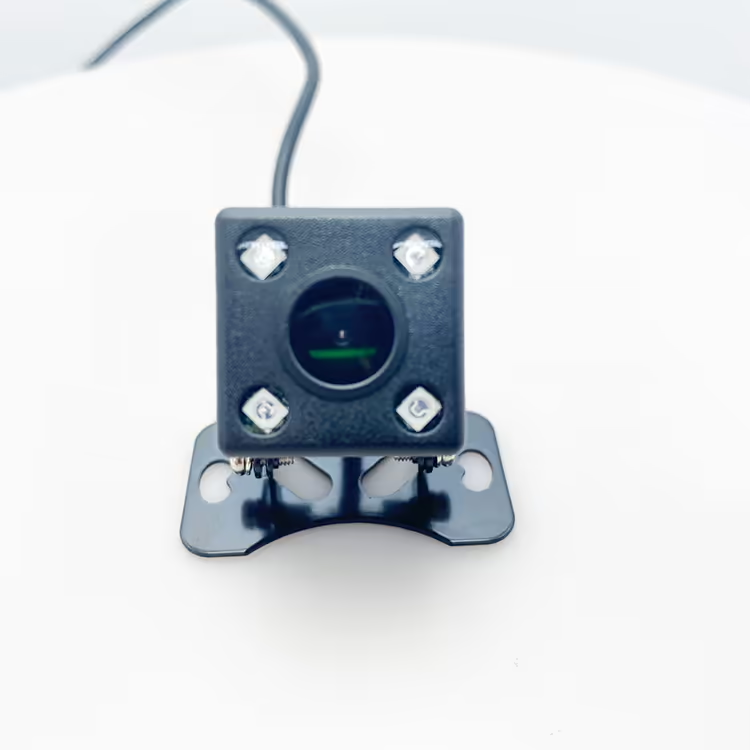
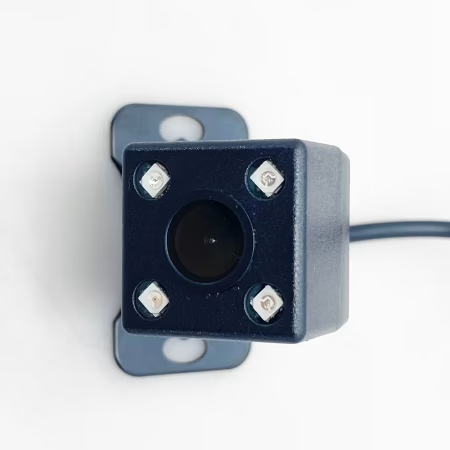
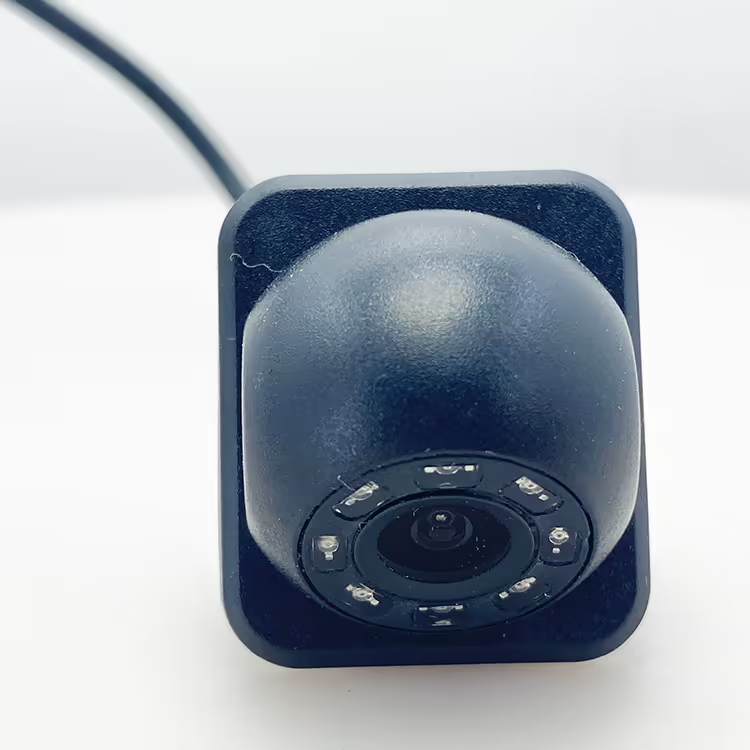
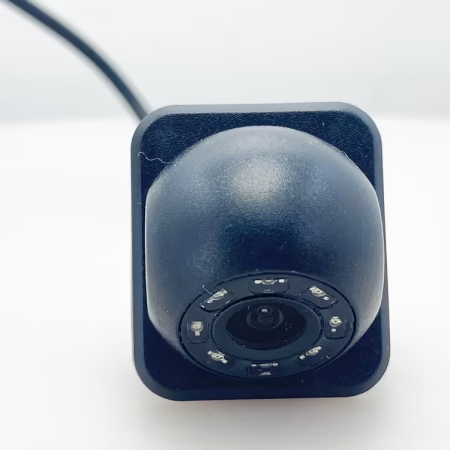
Our product allows for the simultaneous connection of four cameras positioned around the vehicle: one in front, one in the rear, and one on each side (left and right). În plus, it includes three trigger lines for enhanced functionality.
Camera Functionality
Forward Motion: When the vehicle is moving forward, the display primarily shows the video feed from the front camera.
Reversing: Upon engaging reverse gear, the trigger line linked to the reverse light activates, automatically switching the display to show the rearview camera.
Turning Signals:
The left camera’s trigger line is connected to the left turn signal. When activated, it switches the display to show the left-side camera view.
Similarly, the right camera’s trigger line connects to the right turn signal, allowing for a seamless switch to the right-side camera when needed.
Switching Mechanism
As a sophisticated switcher for onboard cameras, our system intelligently rotates through the camera feeds based on the vehicle’s driving signals. Please note that only one camera feed can be displayed simultaneously, ensuring clarity and focus on the relevant surroundings.
Video Shows function
Galerie


FAQ
Q: Can the video of four cameras be displayed on the same monitor?
A: Our product supports connecting four cameras at the same time, in front of the car, behind the car, on the left side of the vehicle, and on the right side of the car, and there are three trigger lines.
When the car is moving forward, the display normally displays the video in front of the car. When the car starts to reverse, the trigger line connected to the reverse light works, and the display switches to the rearview camera.
In the same way, the trigger line of the left camera is connected to the left turn signal, and the trigger line of the right camera is connected to the right turn signal.
As a switcher for on-board cameras, the current camera screen can be switched in turn according to the car’s driving lights, and the screen of four cameras cannot be displayed at the same time.




ISDB-T.com_BUYER –
This 4-to-1 intelligent panoramic video switcher is an absolute game-changer for my surveillance and monitoring setup! The installation was incredibly straightforward—I simply connected my four cameras to the inputs and ran a single output cable to my recorder. The intelligent switching is seamless and brilliantly intuitive; it automatically detects motion and prioritizes the most active camera feed, ensuring I never miss critical activity. The picture quality remains sharp and clear, with no lag or distortion during the transition. It has drastically simplified my system, reducing cable clutter and the need for constant manual monitoring. For anyone managing multiple camera feeds and wanting a smart, automated solution, this switcher is incredibly efficient, de încredere, and offers outstanding value. It performs exactly as promised!