
Cách chuyển đổi Webcam USB thành Camera IP/Ethernet
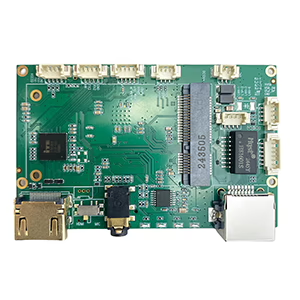
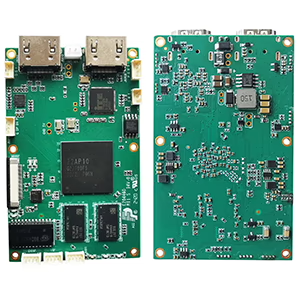
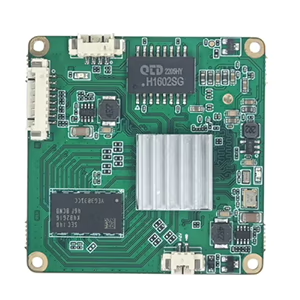
Bảng mô-đun bộ mã hóa
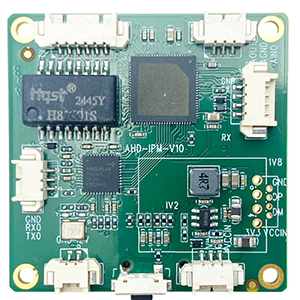
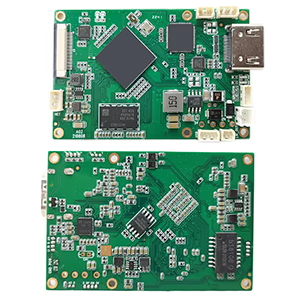
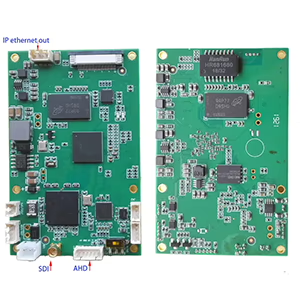
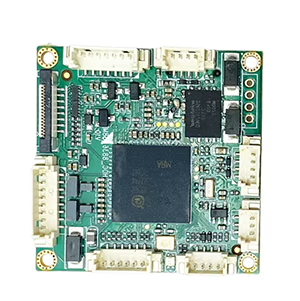

Bảng mô-đun giải mã
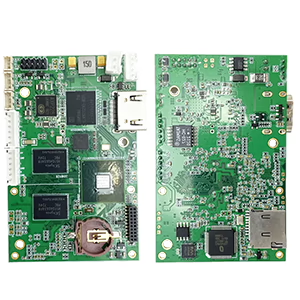

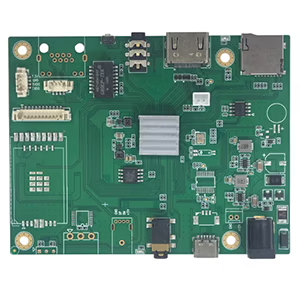
Có sẵn để tùy chỉnh
Có một webcam USB cũ nằm xung quanh và ước nó có thể hoạt động như một camera IP? Bạn không đơn độc. Nhiều người dùng—từ những người đam mê bảo mật đến nhà phát triển máy bay không người lái—muốn truyền phát hoặc giám sát video qua mạng thay vì qua cáp USB. May mắn thay, có những cách đáng tin cậy để chuyển đổi Webcam USB vào camera IP/Ethernet, và trong bài đăng này, chúng tôi sẽ chỉ cho bạn cách.
Tại sao phải chuyển đổi Webcam USB sang IP?
Webcam USB truyền thống được thiết kế để kết nối trực tiếp với PC. Điều này hạn chế tính linh hoạt của chúng—đặc biệt nếu bạn muốn giám sát một địa điểm ở xa, kết nối nhiều camera, hoặc truyền phát video tới máy ghi mạng (NVR).
Bằng cách chuyển đổi webcam USB của bạn thành một Camera IP, bạn có thể:
- Xem nguồn cấp dữ liệu video từ bất kỳ thiết bị nào trên mạng của bạn
- Tích hợp nó với hệ thống NVR, Phần mềm RTSP/ONVIF, hoặc dịch vụ đám mây
- Cho phép 24/7 giám sát mà không cần duy trì hoạt động của PC
- Sử dụng nó trong UAV, robot, hoặc hệ thống kiểm tra công nghiệp
Lựa chọn 1: Sử dụng bộ mã hóa phần cứng (Khuyến khích)
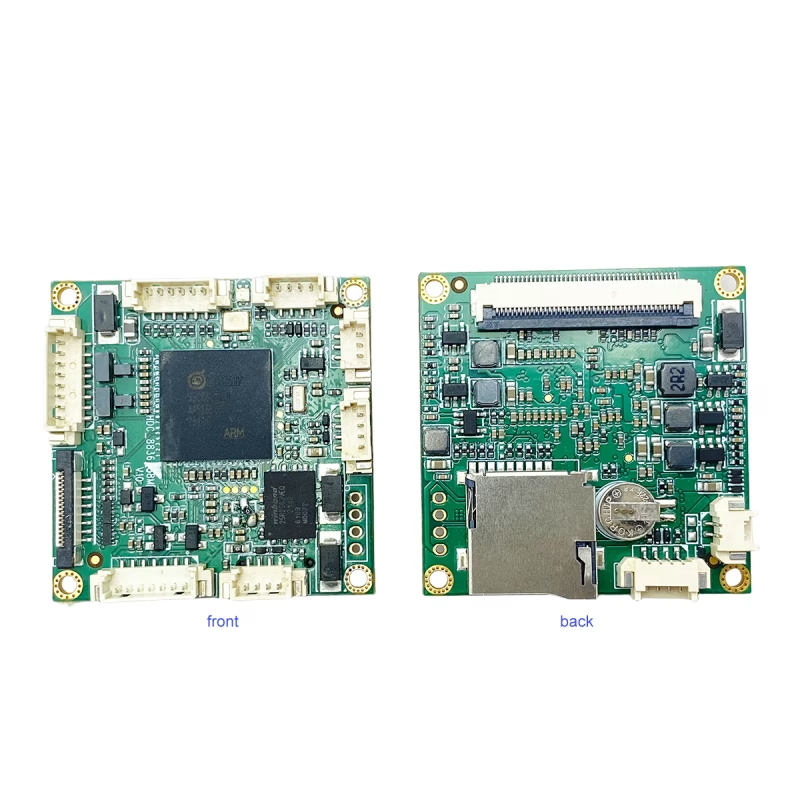
Giải pháp đáng tin cậy nhất là Bảng mã hóa USB-to-IP hỗ trợ đầu vào UVC.
Ví dụ, cái Camera USB UVC sang bảng mã hóa truyền phát Ethernet IP chuyển đổi video USB tiêu chuẩn thành luồng IP có thể được truy cập qua Ethernet.
Nó hoạt động như thế nào:
- Kết nối của bạn webcam USB đến cổng USB của bo mạch mã hóa.
- Cắm cổng Ethernet vào bộ định tuyến hoặc bộ chuyển mạch của bạn.
- Truy cập luồng trực tiếp qua RTSP, RTMP, HTTP, hoặc giao thức ONVIF.
Bộ mã hóa xử lý việc nén video H.264/H.265 theo thời gian thực và hỗ trợ độ phân giải lên tới 1080p@60fps, cung cấp khả năng truyền phát mượt mà và có độ trễ thấp.
Những lợi ích:
- Cắm & chơi, không cần PC
- Độ trễ cực thấp (thấp như 100 bệnh đa xơ cứng)
- Hỗ trợ 24/7 hoạt động liên tục
- Tương thích với VLC, OBS, NVR, YouTube, và hơn thế nữa
Cách tiếp cận này lý tưởng cho nâng cấp mạng, liên kết video UAV, giám sát di động, Và tự động hóa công nghiệp.
Lựa chọn 2: Sử dụng PC làm cầu nối phần mềm
Nếu bạn thích thiết lập dựa trên phần mềm, bạn có thể sử dụng máy tính của mình làm cầu nối giữa camera USB và mạng.
Phần mềm được đề xuất:
- Studio ghi chú (với phần bổ trợ RTSP/RTMP)
- Yawcam, iSpy, hoặc WebcamXP dành cho Windows
- Cử động hoặc Vùng ít hơn cho Linux
bước:
- Kết nối máy ảnh USB của bạn với máy tính.
- Sử dụng một trong các ứng dụng trên để tạo một RTSP hoặc HTTP suối.
- Truy cập luồng qua mạng cục bộ của bạn bằng địa chỉ IP của PC.
Mặc dù phương pháp này thân thiện với ngân sách hơn, nó yêu cầu PC của bạn luôn bật nguồn và có thể tiêu tốn nhiều tài nguyên CPU hơn.
Các định dạng phát trực tuyến phổ biến
Hầu hết các bộ mã hóa phần cứng đều hỗ trợ nhiều định dạng đầu ra:
- RTSP: Lý tưởng cho phần mềm NVR và camera IP
- RTMP: Để phát trực tiếp lên YouTube, Facebook, hoặc Twitch
- HTTP/MJPEG: Xem trực tiếp trên trình duyệt web
- ONVIF: Đảm bảo khả năng tương thích với hầu hết các nền tảng camera IP
Câu hỏi thường gặp
Q1: Cách dễ nhất để chuyển đổi webcam USB thành camera IP là gì?
A1: Cách dễ dàng và đáng tin cậy nhất là sử dụng bảng mã hóa Ethernet UVC USB sang IP để chuyển đổi trực tiếp video USB thành luồng RTSP hoặc ONVIF mà không cần PC.
Q2: Tôi có cần trình điều khiển đặc biệt cho camera USB của mình không?
A2: KHÔNG, hầu hết các webcam USB đều tuân thủ UVC, nghĩa là chúng hoạt động plug-and-play với bộ mã hóa tiêu chuẩn và phần mềm phát trực tuyến.
Q3: Tôi có thể truy cập luồng từ xa qua Internet không?
A3: Đúng, bạn có thể xem video từ xa bằng cách bật chuyển tiếp cổng trên bộ định tuyến của mình hoặc sử dụng các tùy chọn phát trực tuyến trên đám mây được bộ mã hóa của bạn hỗ trợ.
Q4: Webcam USB nào có thể chuyển đổi sang IP?
Đúng, miễn là nó Tuân thủ UVC, bao gồm hầu hết các webcam hiện đại.
Q5: Tôi có thể sử dụng máy ảnh USB nhiệt không?
Đúng, nếu máy ảnh xuất ra luồng video UVC tiêu chuẩn. Các mẫu không có UVC có thể cần trình điều khiển đặc biệt.
Q6: Bộ mã hóa có cần thêm nguồn không?
Hầu hết các bảng yêu cầu 12Đầu vào V DC, thông qua USB hoặc bộ chuyển đổi bên ngoài.
Q7: Tôi có thể truy cập luồng từ xa không?
Đúng. Bằng cách chuyển tiếp cổng hoặc sử dụng chuyển tiếp DDNS/cloud, bạn có thể xem video từ bất cứ đâu.
Q8: Chúng ta cần chuyển đổi camera USB 12MP sang giao thức OnVif để kết nối với NVR.
Hãy xem xét mô hình dưới đây.
https://isdb-t.com/product/convert-uvc-usb-camera-to-ip-lan-ethernet-streaming/
suy nghĩ cuối cùng
Việc chuyển đổi webcam USB của bạn thành camera IP sẽ mở ra vô số khả năng—từ nâng cấp webcam cũ để giám sát tại nhà đến xây dựng hệ thống quan sát bằng máy bay không người lái hoặc robot tùy chỉnh.
Nếu bạn đang tìm kiếm một bộ mã hóa phần cứng plug-and-play mang lại hiệu suất ở cấp độ chuyên nghiệp, kiểm tra Camera USB UVC sang bảng mã hóa truyền phát Ethernet IP — một giải pháp nhỏ gọn và tiết kiệm chi phí để biến bất kỳ camera UVC nào thành camera mạng.
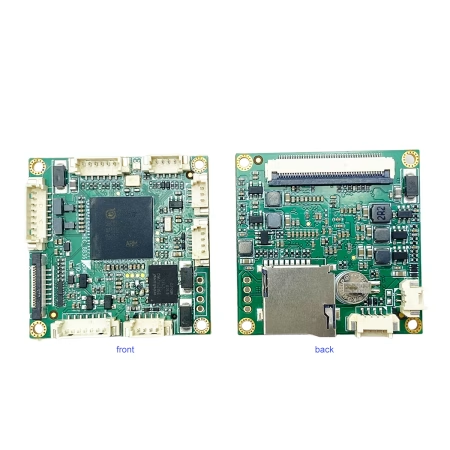
Bộ chuyển đổi mã hóa video
Chuyển đổi Camera USB UVC sang IP LAN Ethernet hỗ trợ phát trực tuyến RTSP UDP ONVIF
Đặt một câu hỏi
Tin nhắn của bạn đã được gửi