
چگونه یک وب کم USB را به دوربین IP/Ethernet تبدیل کنیم
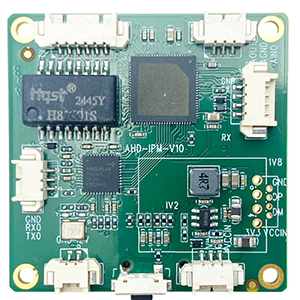
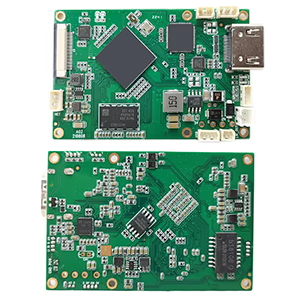
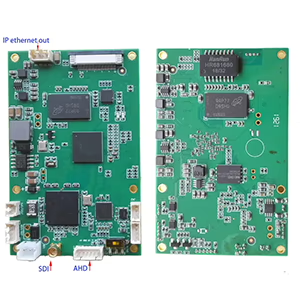
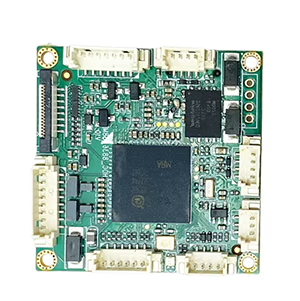
تابلوهای ماژول های رمزگذار

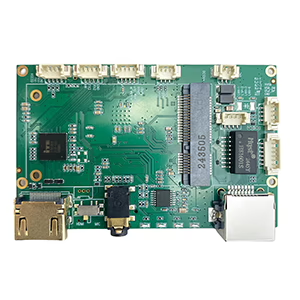
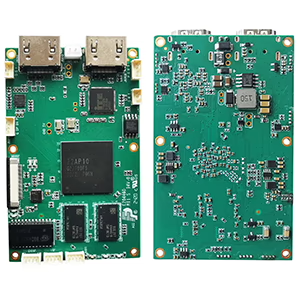
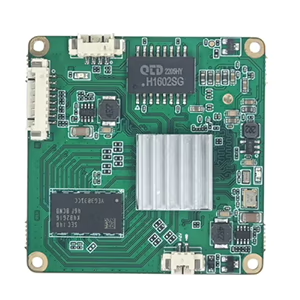
تابلوهای ماژول های رمزگشا
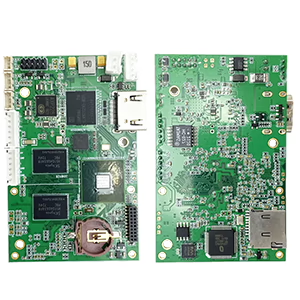

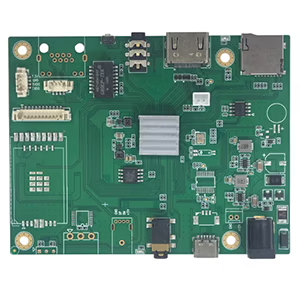
برای سفارشی سازی موجود است
یک وب کم USB قدیمی در اطراف خود داشته باشید و آرزو کنید که می تواند به عنوان یک دوربین IP کار کند? شما تنها نیستید. بسیاری از کاربران - از علاقه مندان به امنیت گرفته تا توسعه دهندگان هواپیماهای بدون سرنشین - به جای کابل USB، می خواهند ویدیو را از طریق شبکه پخش یا نظارت کنند.. خوشبختانه, روش های قابل اعتمادی برای تبدیل وجود دارد وب کم USB به دوربین های IP/Ethernet, و در این پست, ما به شما نشان خواهیم داد که چگونه.
چرا یک وب کم USB را به IP تبدیل کنیم؟?
وب کم های USB سنتی برای اتصال مستقیم به کامپیوتر طراحی شده اند. این انعطاف پذیری آنها را محدود می کند - به خصوص اگر می خواهید یک مکان از راه دور را نظارت کنید, چندین دوربین را وصل کنید, یا ویدئو را به یک ضبط کننده شبکه پخش کنید (NVR).
با تبدیل وب کم USB خود به یک دوربین IP, شما می توانید:
- فید ویدیو را از هر دستگاهی در شبکه خود مشاهده کنید
- آن را با سیستم های NVR ادغام کنید, نرم افزار RTSP/ONVIF, یا خدمات ابری
- فعال کردن 24/7 نظارت بدون روشن نگه داشتن رایانه شخصی
- از آن در پهپادها استفاده کنید, روبات ها, یا سیستم های بازرسی صنعتی
گزینه 1: از یک رمزگذار سخت افزاری استفاده کنید (توصیه می شود)
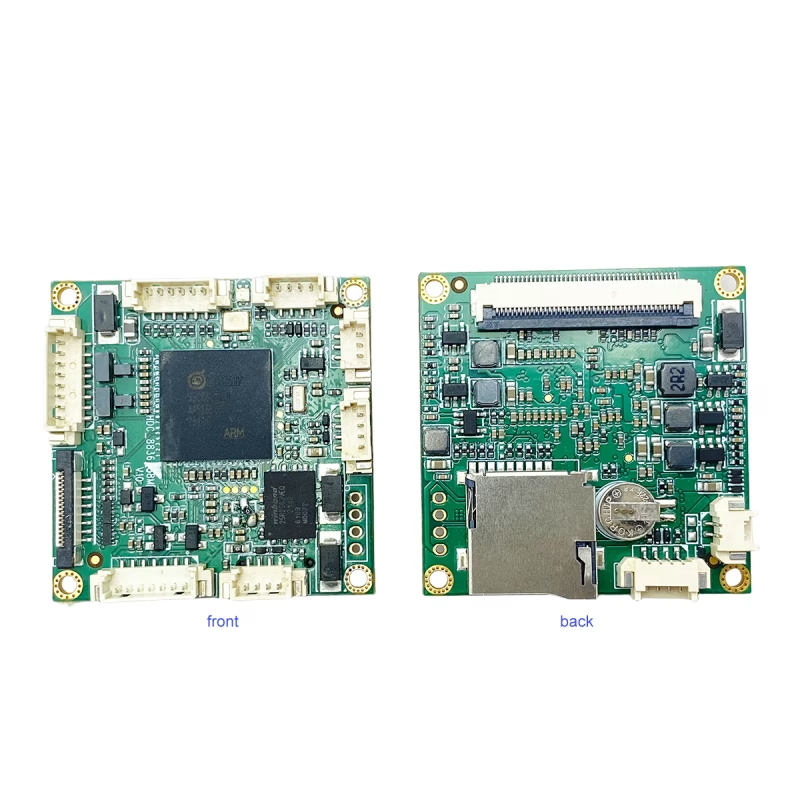
قابل اطمینان ترین راه حل الف است برد رمزگذار USB-to-IP که از ورودی UVC پشتیبانی می کند.
به عنوان مثال, را برد UVC USB دوربین به IP Ethernet Streaming Encoder Board ویدئوی استاندارد USB را به یک جریان IP تبدیل می کند که از طریق اترنت قابل دسترسی است.
چگونه کار می کند:
- خود را وصل کنید وب کم USB به درگاه USB برد رمزگذار.
- وصل کنید پورت اترنت به روتر یا سوئیچ شما.
- از طریق RTSP به پخش زنده دسترسی پیدا کنید, RTMP, HTTP, یا پروتکل های ONVIF.
رمزگذار فشردهسازی ویدیوی H.264/H.265 را در زمان واقعی انجام میدهد و وضوحهای حداکثر را پشتیبانی میکند. 1080p@60fps, ارائه جریان روان و کم تاخیر.
مزایا:
- دوشاخه & بازی کردن, بدون نیاز به کامپیوتر
- تأخیر بسیار کم (به اندازه پایین 100 اماس)
- پشتیبانی می کند 24/7 عملیات مداوم
- سازگار با VLC, OBS, دستگاه های NVR, یوتیوب, و بیشتر
این رویکرد ایده آل برای ارتقاء شبکه, لینک های ویدیویی پهپاد, نظارت تلفن همراه, و اتوماسیون صنعتی.
گزینه 2: از رایانه شخصی به عنوان پل نرم افزاری استفاده کنید
اگر تنظیمات مبتنی بر نرم افزار را ترجیح می دهید, می توانید از رایانه خود به عنوان پلی بین دوربین USB و شبکه استفاده کنید.
نرم افزار پیشنهادی:
- Note Studio (با پلاگین RTSP/RTMP)
- یاوکم, iSpy, یا وب کم ایکس پی برای ویندوز
- حرکت یا ZoneLess برای لینوکس
مراحل:
- دوربین USB خود را به رایانه وصل کنید.
- از یکی از برنامه های فوق برای تولید یک استفاده کنید RTSP یا HTTP جریان.
- با استفاده از آدرس IP رایانه شخصی خود به جریان از طریق شبکه محلی خود دسترسی پیدا کنید.
در حالی که این روش بیشتر مقرون به صرفه است, به رایانه شما نیاز دارد که روشن بماند و می تواند منابع CPU بیشتری را مصرف کند.
فرمت های رایج جریان
اکثر رمزگذارهای سخت افزاری از چندین فرمت خروجی پشتیبانی می کنند:
- RTSP: ایده آل برای NVR و نرم افزار دوربین IP
- RTMP: برای پخش زنده به YouTube, فیس بوک, یا Twitch
- HTTP/MJPEG: مشاهده مستقیم در یک مرورگر وب
- ONVIF: سازگاری با اکثر سیستم عامل های دوربین IP را تضمین می کند
سوالات متداول
Q1: ساده ترین راه برای تبدیل وب کم USB به دوربین IP چیست؟?
A1: سادهترین و مطمئنترین راه استفاده از برد UVC USB به IP Ethernet است که مستقیماً ویدیوی USB را بدون نیاز به رایانه به جریانهای RTSP یا ONVIF تبدیل میکند..
Q2: آیا برای دوربین USB خود به درایورهای خاصی نیاز دارم؟?
A2: خیر, اکثر وب کم های USB با UVC سازگار هستند, به این معنی که آنها با رمزگذارهای استاندارد و نرم افزارهای پخش کار می کنند.
Q3: آیا می توانم از راه دور از طریق اینترنت به جریان دسترسی داشته باشم؟?
A3: بله, میتوانید با فعال کردن انتقال پورت در روتر یا استفاده از گزینههای پخش ابری که توسط رمزگذار شما پشتیبانی میشوند، ویدیو را از راه دور مشاهده کنید..
Q4: آیا می توان هر وب کم USB را به IP تبدیل کرد?
بله, تا زمانی که هست سازگار با UVC, که شامل اکثر وب کم های مدرن است.
Q5: آیا می توانم از دوربین حرارتی USB استفاده کنم؟?
بله, اگر دوربین یک جریان ویدئویی استاندارد UVC را تولید کند. مدل های غیر UVC ممکن است به درایورهای خاصی نیاز داشته باشند.
Q6: آیا انکودر به برق اضافی نیاز دارد؟?
اکثر تابلوها نیاز دارند 12ورودی V DC, از طریق USB یا آداپتور خارجی.
Q7: آیا می توانم از راه دور به جریان دسترسی داشته باشم؟?
بله. با ارسال پورت ها یا استفاده از رله DDNS/cloud, شما می توانید ویدیو را از هر جایی مشاهده کنید.
Q8: برای اتصال به NVR باید یک دوربین USB 12 مگاپیکسلی را به پروتکل OnVif تبدیل کنیم.
لطفا مدل زیر را در نظر بگیرید.
https://isdb-t.com/product/convert-uvc-usb-camera-to-ip-lan-ethernet-streaming/
افکار نهایی
تبدیل وبکم USB به دوربین IP، امکانات بیشماری را در اختیار شما قرار میدهد – از ارتقاء یک وبکم قدیمی برای نظارت خانگی تا ساخت سیستمهای بینایی پهپاد یا رباتیک سفارشی.
اگر به دنبال یک رمزگذار سخت افزاری plug-and-play که عملکرد حرفه ای را ارائه می دهد, بررسی کنید برد UVC USB دوربین به IP Ethernet Streaming Encoder Board - یک راه حل فشرده و مقرون به صرفه برای تبدیل هر دوربین UVC به دوربین شبکه.
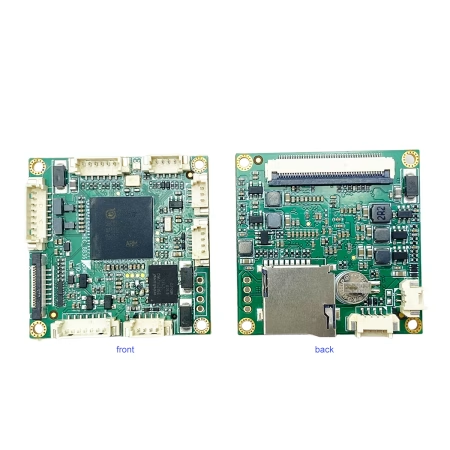
مبدل رمزگذار ویدیو
تبدیل دوربین UVC USB به IP LAN اترنت از RTSP UDP ONVIF پشتیبانی می کند
یک سوال بپرسید
از پاسخ شما سپاسگزاریم. ✨