
Paano i-convert ang isang USB Webcam sa isang IP/Ethernet Camera
Mga Board ng Encoder Module
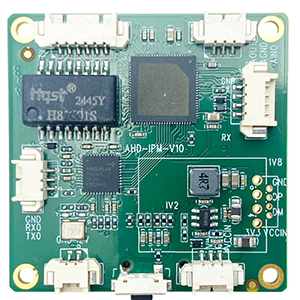
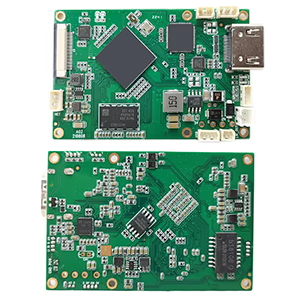
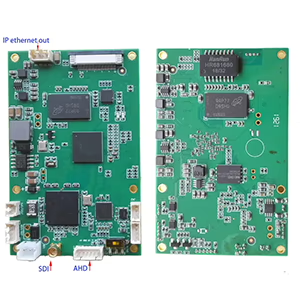
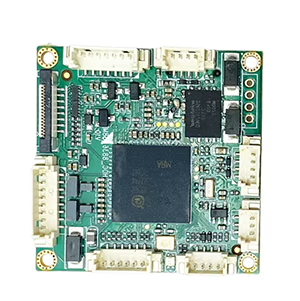

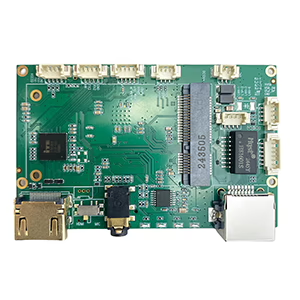
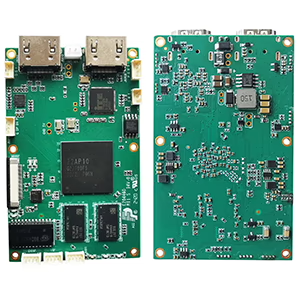
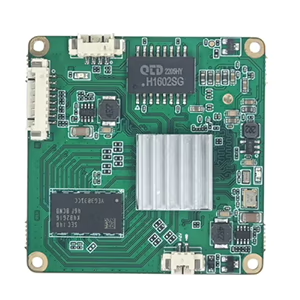
Mga Board ng Decoder Module
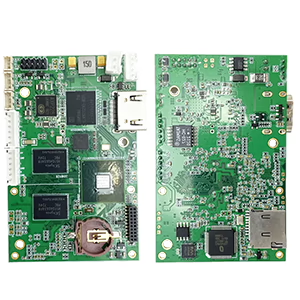

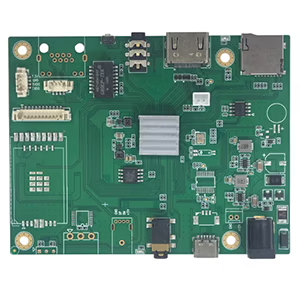
Magagamit para sa Pag-customize
Magkaroon ng lumang USB webcam na nakalatag at sana ay gumana ito bilang isang IP camera? Hindi ka nag-iisa. Maraming user—mula sa mga mahilig sa seguridad hanggang sa mga developer ng drone—ang gustong mag-stream o magmonitor ng video sa isang network sa halip na sa pamamagitan ng USB cable. Buti na lang, may mga mapagkakatiwalaang paraan para mag-convert Mga USB webcam sa mga IP/Ethernet camera, at sa post na ito, ipapakita namin sa iyo kung paano.
Bakit I-convert ang USB Webcam sa IP?
Ang mga tradisyonal na USB webcam ay idinisenyo para sa direktang koneksyon sa isang PC. Nililimitahan nito ang kanilang flexibility—lalo na kung gusto mong subaybayan ang isang malayong lokasyon, ikonekta ang maramihang mga camera, o mag-stream ng video sa isang network recorder (NVR).
Sa pamamagitan ng pag-convert ng iyong USB webcam sa isang IP camera, pwede ka na:
- Tingnan ang video feed mula sa anumang device sa iyong network
- Isama ito sa mga NVR system, RTSP/ONVIF software, o mga serbisyo sa ulap
- Paganahin 24/7 pagsubaybay nang hindi pinapanatiling tumatakbo ang isang PC
- Gamitin ito sa mga UAV, mga robot, o mga sistema ng inspeksyon sa industriya
Pagpipilian 1: Gumamit ng Hardware Encoder (Inirerekomenda)
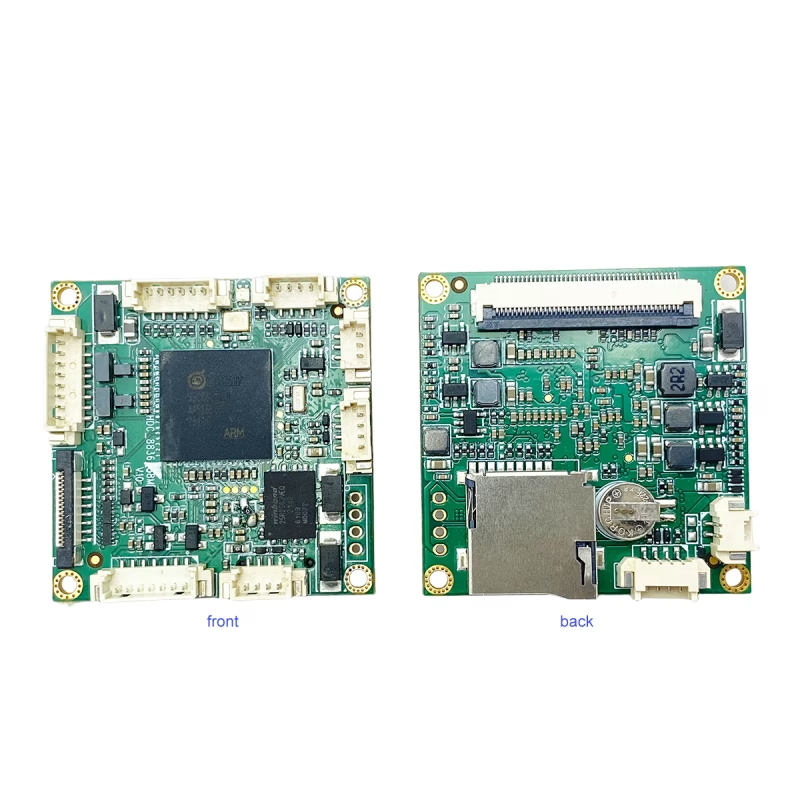
Ang pinaka maaasahang solusyon ay a USB-to-IP encoder board na sumusuporta sa UVC input.
Halimbawa na lang, ang UVC USB Camera hanggang IP Ethernet Streaming Encoder Board nagko-convert ng karaniwang USB video sa isang IP stream na maaaring ma-access sa pamamagitan ng Ethernet.
Paano ito gumagana:
- Ikonekta ang iyong USB webcam sa USB port ng encoder board.
- Isaksak ang Ethernet port sa iyong router o switch.
- I-access ang live stream sa pamamagitan ng RTSP, RTMP, HTTP, o mga protocol ng ONVIF.
Ang encoder ay humahawak ng real-time na H.264/H.265 na video compression at sumusuporta sa mga resolusyon hanggang sa 1080p@60fps, nag-aalok ng maayos at mababang latency na streaming.
Mga Pakinabang:
- Plug & maglaro, walang PC na kailangan
- Napakababang latency (kasing mababang bilang 100 ms)
- Mga Suporta 24/7 tuluy-tuloy na operasyon
- Tugma sa VLC, OBS, Mga NVR, YouTube, At marami pa
Ang diskarte na ito ay perpekto para sa pag-upgrade ng network, Mga link ng video ng UAV, mobile surveillance, at automation ng industriya.
Pagpipilian 2: Gumamit ng PC bilang Software Bridge
Kung mas gusto mo ang isang software-based na setup, maaari mong gamitin ang iyong computer bilang tulay sa pagitan ng USB camera at ng network.
Inirerekomendang software:
- Note Studio (gamit ang RTSP/RTMP plugin)
- Yawcam, iSpy, o WebcamXP para sa Windows
- galaw o ZoneLess para sa Linux
Mga hakbang:
- Ikonekta ang iyong USB camera sa iyong computer.
- Gamitin ang isa sa mga application sa itaas upang makabuo ng isang RTSP o HTTP stream.
- I-access ang stream sa iyong lokal na network gamit ang IP address ng iyong PC.
Habang ang paraang ito ay mas budget-friendly, kailangan nitong manatiling naka-on ang iyong PC at maaaring kumonsumo ng mas maraming mapagkukunan ng CPU.
Mga Karaniwang Format ng Streaming
Karamihan sa mga hardware encoder ay sumusuporta sa maramihang mga format ng output:
- RTSP: Tamang-tama para sa mga NVR at software ng IP camera
- RTMP: Para sa live streaming sa YouTube, Facebook, o Twitch
- HTTP/MJPEG: Direktang tingnan sa isang web browser
- ONVIF: Tinitiyak ang pagiging tugma sa karamihan ng mga platform ng IP camera
Mga Madalas Itanong
Q1: Ano ang pinakamadaling paraan upang i-convert ang isang USB webcam sa isang IP camera?
A1: Ang pinakamadali at pinaka-maaasahang paraan ay ang paggamit ng UVC USB to IP Ethernet encoder board na direktang nagko-convert ng USB video sa RTSP o ONVIF stream nang hindi nangangailangan ng PC.
Q2: Kailangan ko ba ng mga espesyal na driver para sa aking USB camera?
A2: Hindi, karamihan sa mga USB webcam ay sumusunod sa UVC, ibig sabihin, gumagana ang mga ito ng plug-and-play sa mga karaniwang encoder at streaming software.
Q3: Maaari ko bang ma-access ang stream nang malayuan sa Internet?
A3: Oo, maaari mong panoorin ang video nang malayuan sa pamamagitan ng pagpapagana ng port forwarding sa iyong router o paggamit ng mga opsyon sa cloud streaming na sinusuportahan ng iyong encoder.
Q4: Maaari bang ma-convert sa IP ang anumang USB webcam?
Oo, basta ito Sumusunod sa UVC, na kinabibilangan ng karamihan sa mga modernong webcam.
Q5: Maaari ba akong gumamit ng thermal USB camera?
Oo, kung ang camera ay naglalabas ng karaniwang UVC video stream. Ang mga modelong hindi UVC ay maaaring mangailangan ng mga espesyal na driver.
Q6: Kailangan ba ng encoder ng dagdag na kapangyarihan?
Karamihan sa mga board ay nangangailangan 12V DC input, alinman sa pamamagitan ng USB o isang panlabas na adaptor.
Q7: Maaari ko bang ma-access ang stream nang malayuan?
Oo. Sa pamamagitan ng pagpapasa ng mga port o paggamit ng DDNS/cloud relay, maaari mong tingnan ang video mula sa kahit saan.
Q8: Kailangan naming i-convert ang isang 12MP USB camera sa OnVif protocol para kumonekta sa NVR.
Mangyaring isaalang-alang ang modelo sa ibaba.
https://isdb-t.com/product/convert-uvc-usb-camera-to-ip-lan-ethernet-streaming/
Pangwakas na mga saloobin
Ang pag-convert ng iyong USB webcam sa isang IP camera ay nagbubukas ng hindi mabilang na mga posibilidad—mula sa pag-upgrade ng lumang webcam para sa pagsubaybay sa bahay hanggang sa pagbuo ng mga custom na drone o robotics vision system.
Kung naghahanap ka ng isang plug-and-play na hardware encoder na naghahatid ng propesyonal na antas ng pagganap, tingnan ang UVC USB Camera hanggang IP Ethernet Streaming Encoder Board — isang compact at cost-effective na solusyon para gawing network camera ang anumang UVC camera.
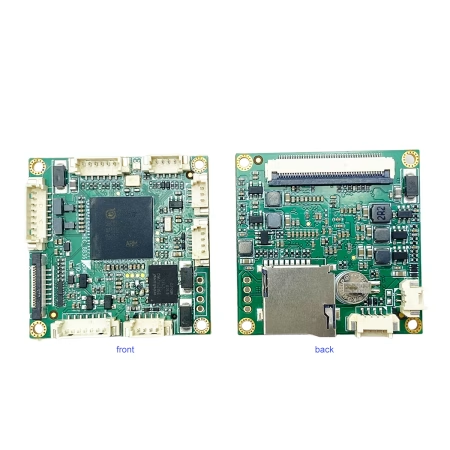
Video Encoder Converter
I-convert ang UVC USB Camera sa IP LAN Ethernet streaming support RTSP UDP ONVIF
Magtanong
Ipinadala ang iyong mensahe