
How to Convert a USB Webcam into an IP/Ethernet Camera
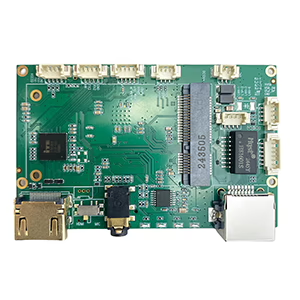
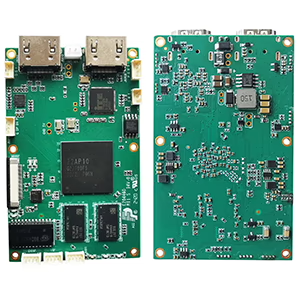
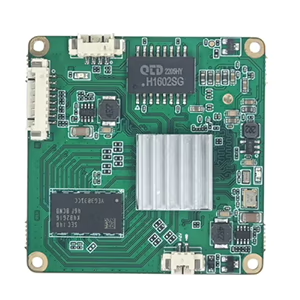
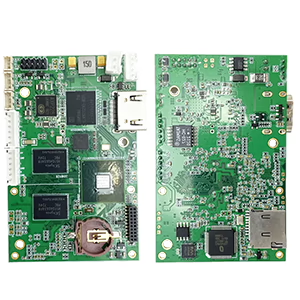
Encoder Modules Boards
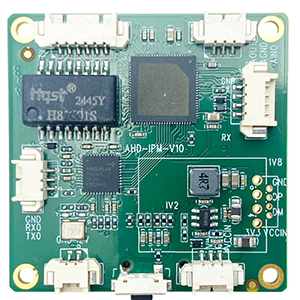
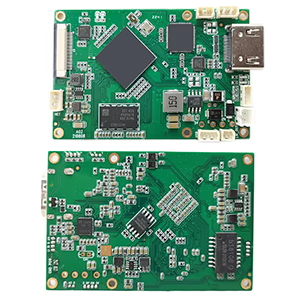
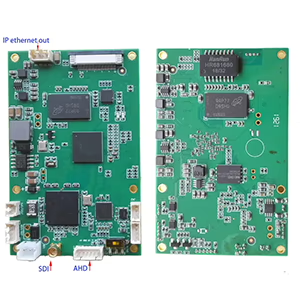
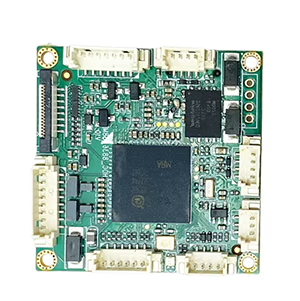

Dekodermodulskort

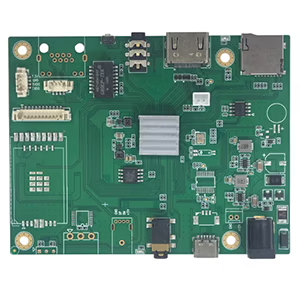
Tillgänglig för anpassning
Have an old USB webcam lying around and wish it could work as an IP camera? You’re not alone. Many users—from security enthusiasts to drone developers—want to stream or monitor video over a network rather than through a USB cable. Fortunately, there are reliable ways to convert USB webcams into IP/Ethernet cameras, and in this post, we’ll show you how.
Why Convert a USB Webcam to IP?
Traditional USB webcams are designed for direct connection to a PC. This limits their flexibility—especially if you want to monitor a remote location, connect multiple cameras, or stream video to a network recorder (NVR).
By converting your USB webcam into an IP camera, du kan:
- View the video feed from any device on your network
- Integrate it with NVR systems, RTSP/ONVIF software, or cloud services
- Enable 24/7 surveillance without keeping a PC running
- Use it in UAVs, robotar, or industrial inspection systems
Option 1: Use a Hardware Encoder (Rekommenderad)
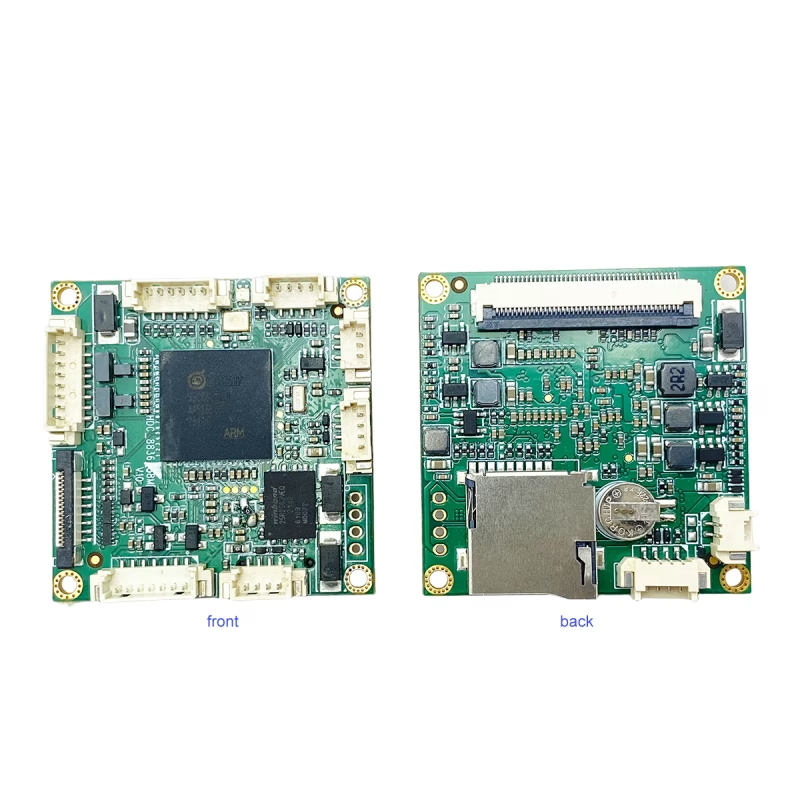
The most reliable solution is a USB-to-IP encoder board that supports UVC input.
Till exempel, de UVC USB-kamera till IP Ethernet Streaming Encoder Board converts standard USB video into an IP stream that can be accessed via Ethernet.
How it works:
- Connect your USB webcam to the encoder board’s USB port.
- Plug the Ethernet-port into your router or switch.
- Access the live stream via RTSP, RTMP, HTTP, or ONVIF protocols.
The encoder handles real-time H.264/H.265 video compression and supports resolutions up to 1080p@60fps, offering smooth and low-latency streaming.
Fördelar:
- Plugg & play, no PC required
- Ultralåg latens (så låg som 100 Fröken)
- Stödjer 24/7 continuous operation
- Compatible with VLC, OBS, NVR:er, Youtube, and more
This approach is ideal for network upgrades, UAV video links, mobile surveillance, och industrial automation.
Option 2: Use a PC as a Software Bridge
If you prefer a software-based setup, you can use your computer as a bridge between the USB camera and the network.
Recommended software:
- OBS Studio (with RTSP/RTMP plugin)
- Yawcam, iSpy, eller WebcamXP for Windows
- Motion eller ZoneMinder for Linux
Steps:
- Connect your USB camera to your computer.
- Use one of the above applications to generate an RTSP eller HTTP stream.
- Access the stream over your local network using your PC’s IP address.
While this method is more budget-friendly, it requires your PC to stay powered on and can consume more CPU resources.
Common Streaming Formats
Most hardware encoders support multiple output formats:
- RTSP: Ideal for NVRs and IP camera software
- RTMP: For live streaming to YouTube, Facebook, or Twitch
- HTTP/MJPEG: View directly in a web browser
- ONVIF: Ensures compatibility with most IP camera platforms
Vanliga frågor
Q1: What is the easiest way to convert a USB webcam into an IP camera?
A1: The easiest and most reliable way is to use a UVC USB to IP Ethernet encoder board that directly converts USB video into RTSP or ONVIF streams without needing a PC.
Q2: Do I need special drivers for my USB camera?
A2: Nej, most USB webcams are UVC-compliant, meaning they work plug-and-play with standard encoders and streaming software.
Q3: Can I access the stream remotely over the Internet?
A3: Ja, you can view the video remotely by enabling port forwarding on your router or using cloud streaming options supported by your encoder.
Q4: Can any USB webcam be converted to IP?
Ja, as long as it’s UVC-kompatibel, which includes most modern webcams.
F5: Can I use a thermal USB camera?
Ja, if the camera outputs a standard UVC video stream. Non-UVC models may need special drivers.
F6: Does the encoder need extra power?
Most boards require 12V DC input, either via USB or an external adapter.
F7: Can I access the stream remotely?
Ja. By forwarding ports or using DDNS/cloud relay, you can view the video from anywhere.
Sista tankar
Converting your USB webcam to an IP camera opens up countless possibilities—from upgrading an old webcam for home surveillance to building custom drone or robotics vision systems.
If you’re looking for a plug-and-play hardware encoder that delivers professional-grade performance, check out the UVC USB-kamera till IP Ethernet Streaming Encoder Board — a compact and cost-effective solution for turning any UVC camera into a network camera.
Video Encoder Converter
Konvertera UVC USB-kamera till IP LAN Ethernet-streamingstöd RTSP UDP ONVIF
Ställa en fråga
Tack för din respons. ✨