
واي فاي صندوق ميرورلينك اللاسلكي
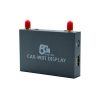
VCAN1244 عالمي 5.8 جيجا & 2.4جي واي فاي صندوق ميرورلينك اللاسلكي
VCAN1244 عالمي 5.8 جيجا & 2.4جي واي فاي صندوق ميرورلينك اللاسلكي

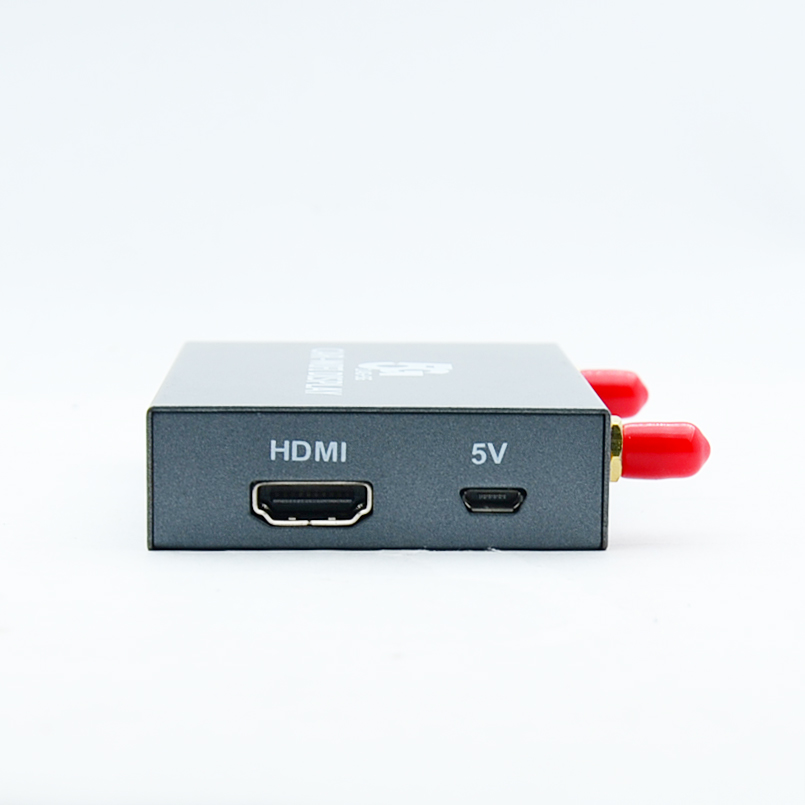
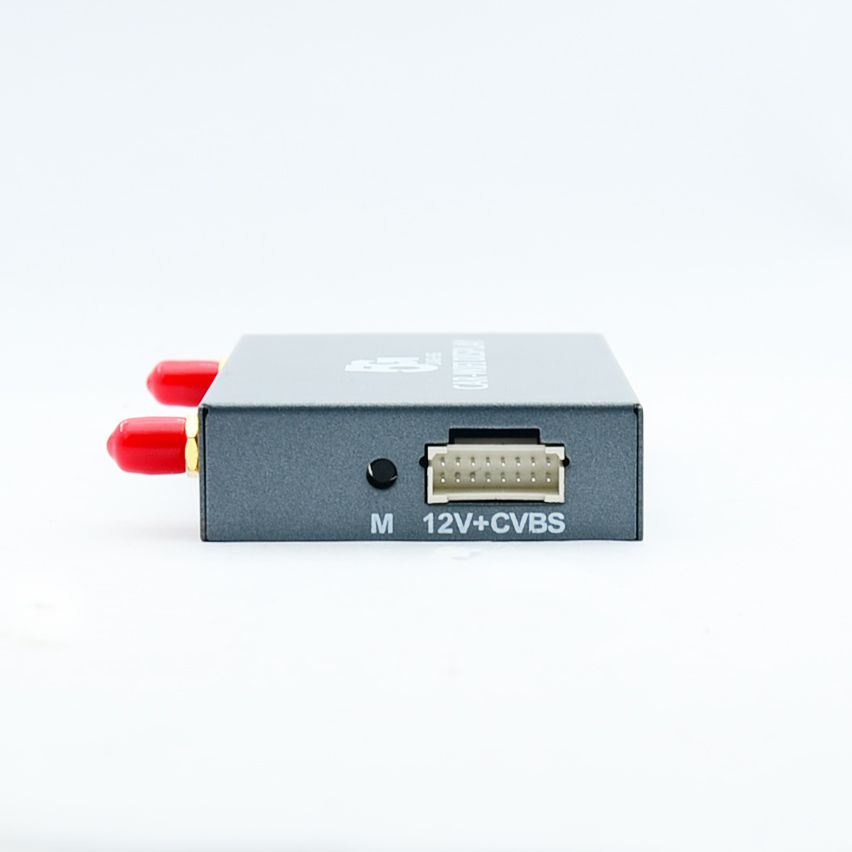
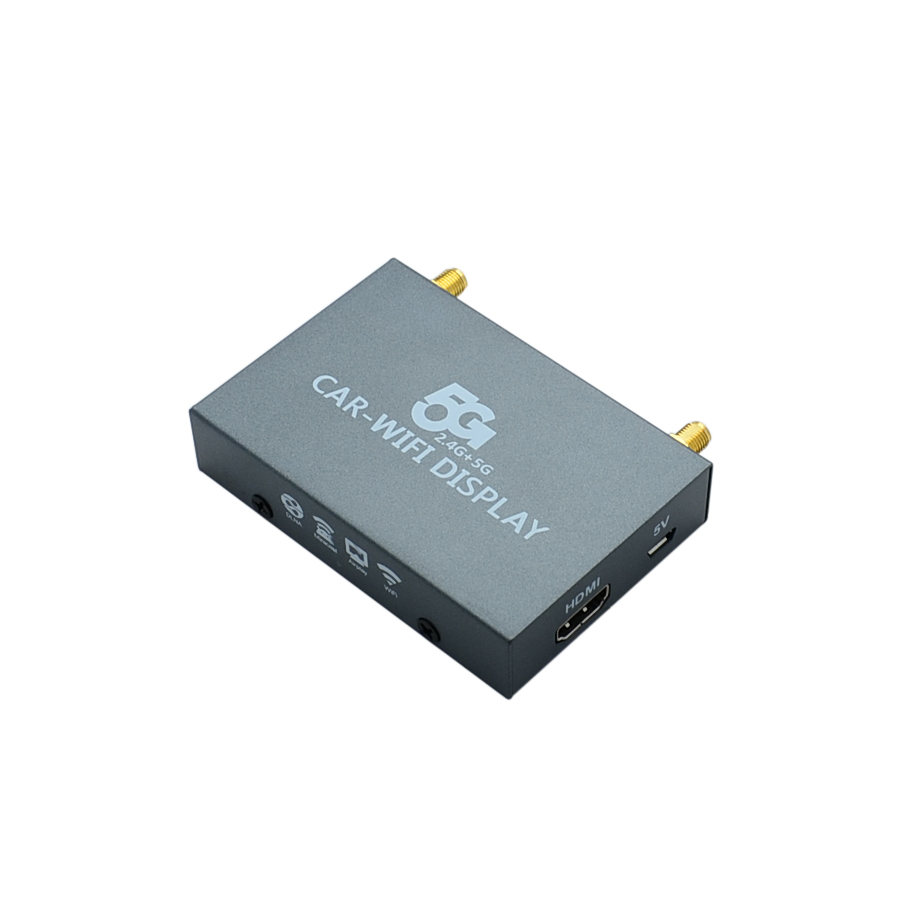
VCAN1244
عالمي 5.8 جيجا & 2.4G WIFI Wirelesss MirrorLink BOX بدون تداخل
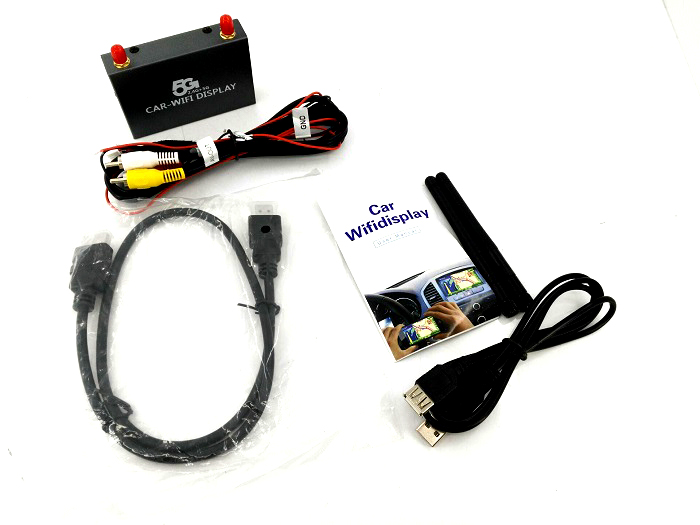
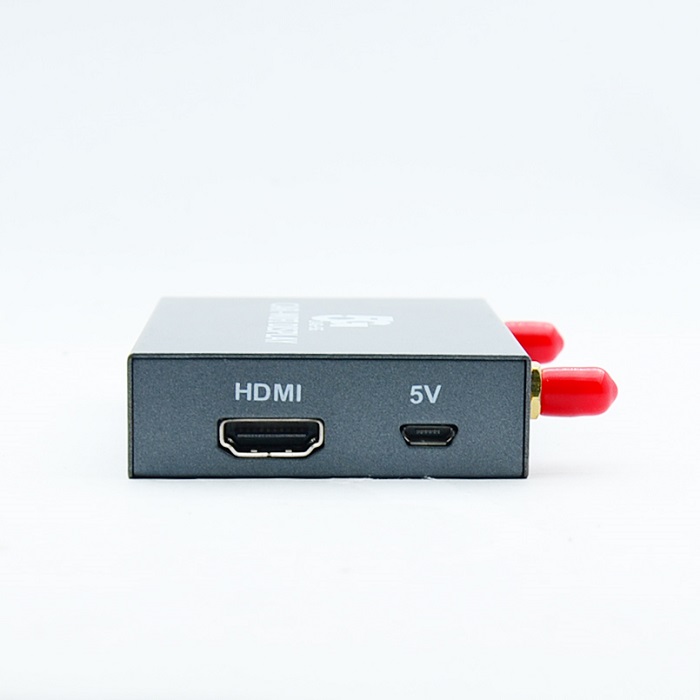
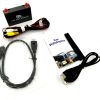
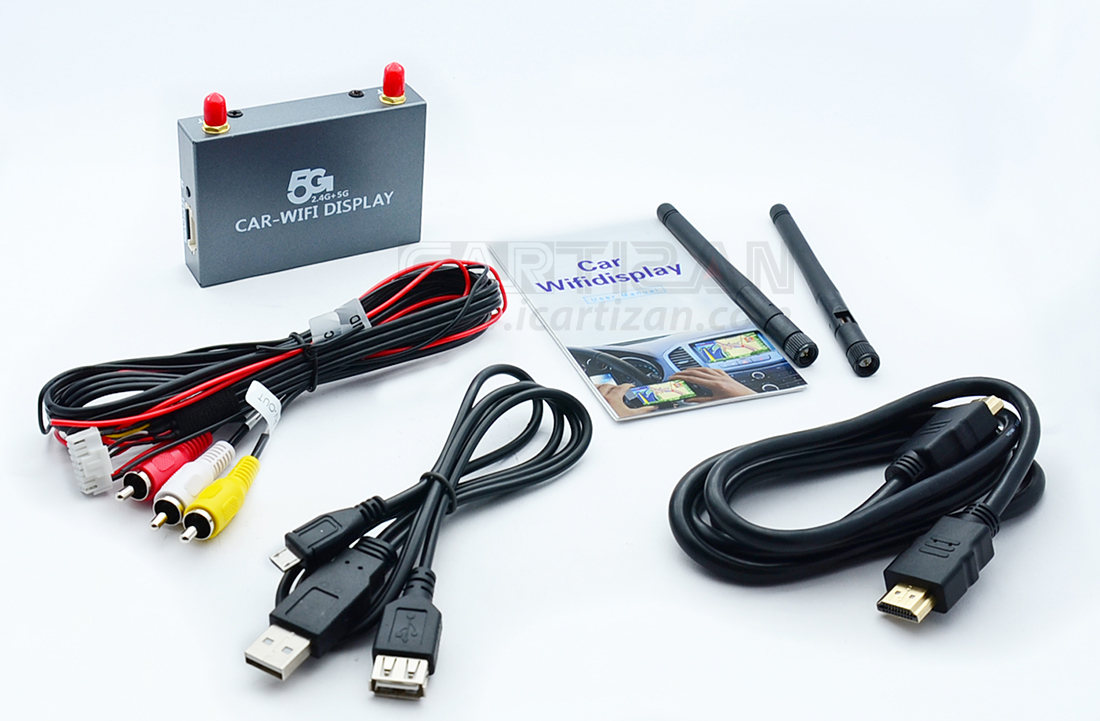
►تكوين المنتج
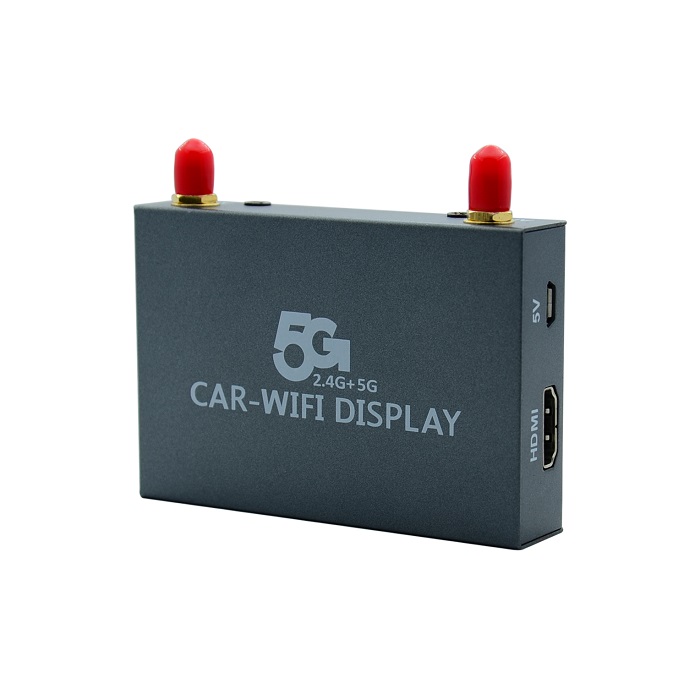
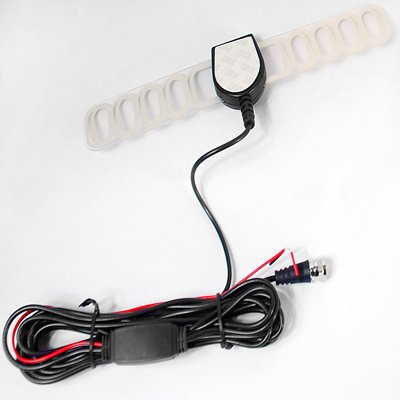
① هوائي خارجي
② الأحمر, أصفر, واجهة AV القياسية البيضاء
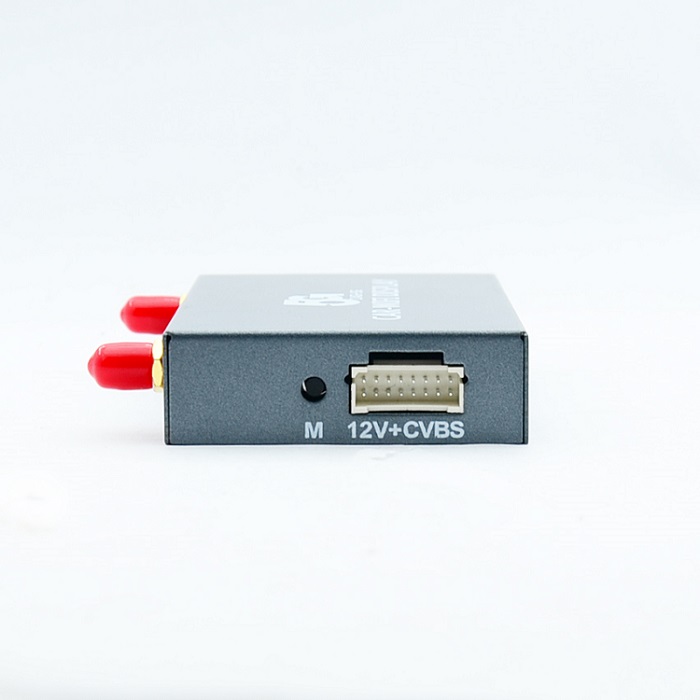
③ مصدر طاقة 12 فولت (الأحمر إيجابي, أسود سلبي)
④ كابل HDMI
⑤ كابل طاقة USB
►طريقة التثبيت
رسم تخطيطي:
- تبديل إدخال الإشارة المقابلة على شاشة السيارة;
- استخدم الصورة الجهاز أعلاه المتصل بمنفذ AV الموجود على شاشة السيارة;
- 12جهاز إدخال الطاقة V على الصورة أعلاه (الأحمر الإيجابي, أسود سلبي) إلى الجزء الخلفي من مصدر طاقة السيارة 12 فولت,أو قم بالوصول مباشرة إلى كابل USB الموجود في الخلف خلف منفذ USB بالسيارة للحصول على مصدر طاقة 5 فولت
- بعد نجاح التثبيت, يظهر الشكل التالي على شاشة المراقبة.
- ►اتصال مرآة (IOS) IOS (انعكاس البث),خذ iPhone5 IOS8 على سبيل المثال, انظر إلى الشكل。
قم أولاً بفتح إعدادات wifi للهاتف – الأجهزة المتصلة إشارة لاسلكية; قم باستدعاء مركز التحكم للعثور على الجهاز الذي تم فحصه من خلال Airplay المتطابق وتحديده, ثم النسخ المتطابق بنجاح!
- وصف نموذج IOS (مزامنة المرآة)ايفون:4s55c5s66 بلس…
آي باد:234airmini12…
ماك:موقع أبل الرسمي للتحقق من السائدة
آي تاتش5
►Miracast (للأندرويد)
خذ نظام Android الأصلي (الروبوت الأصلي 4.2 نظام) على سبيل المثال ; افتح الهاتف “إعدادات” – “عرض” – “عرض لاسلكي”, انظر إلى الصورة التالية.
- ما ورد أعلاه هو طريقة اتصال نظام Android الأصلية,في الوقت الحالي, اسم الشركات المصنعة للهواتف المحمولة MIRACAST مختلف ,وموقع الوظيفة مختلفان أيضًا. على سبيل المثال, تسمى طرز Samsung Allshare cast, صورة الشاشة, انعكاس الشاشة, and some are named WLAN display;
- After connect with the screen, there are not any conflict between wifi Internet or mobile Internet.
-
►Connect the router
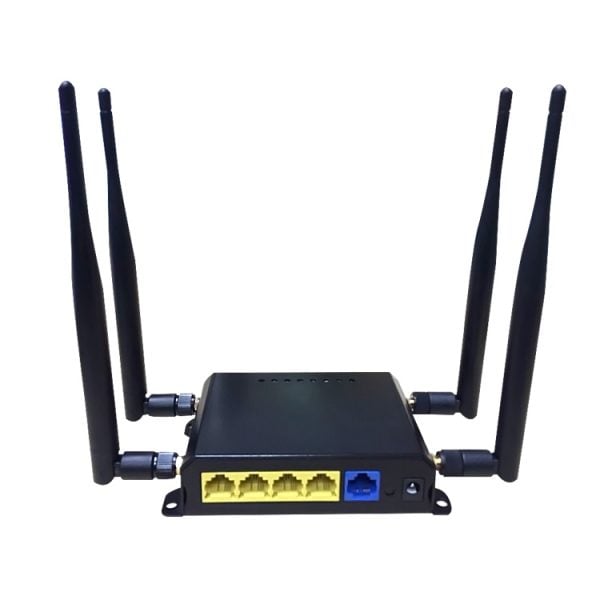
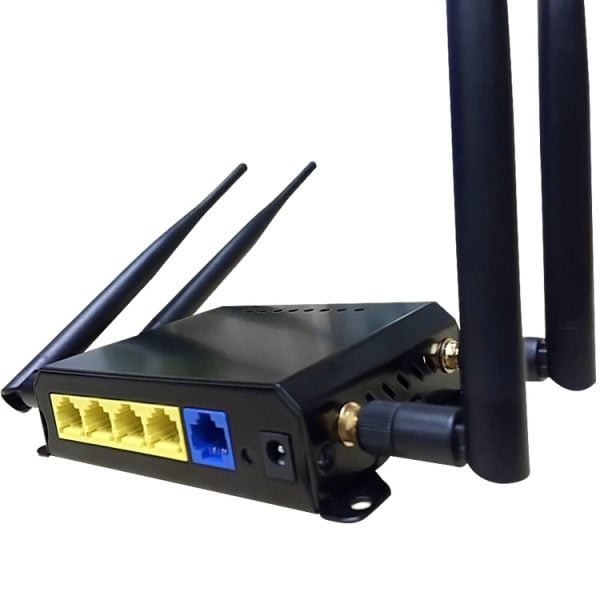
By connecting the device to the router, IOS mirror can be connected to the same network mirror screen to cast
The first method:
1、Firstly let the phone’s wifi to connect with devices, and then open the web browser and enter the IP address in the address bar: 192.168.59.254, the phone screen appears in the following figure after the connection is successful, the phone will enter the second picture above.
2、Open WIFI Connection item, the system will automatically scan the current environment, the wireless router diagram, select the corresponding wireless router and enter the password, click submit button and then point OK, the interface will automatically exit. Wait about 5 seconds the device can be connected to the router (AP name will be displayed on the connected TV).






isdb-t.com_buyer –
This universal wireless mirroring adapter is absolutely fantastic! The setup was incredibly simple—I just plugged it into my car’s HDMI port and connected to its WiFi. The dual 5.8G & 2.4G bandwidth is a genius feature, allowing for a super stable and low-lag connection. I can now seamlessly mirror my phone’s screen, whether I’m using iOS or Android, to display maps, music playlists, and videos directly on my head unit. The video quality is smooth and remarkably clear, making it perfect for navigation and keeping passengers entertained. It has completely modernized my older car’s infotainment system. An essential gadget for any tech-savvy driver!