
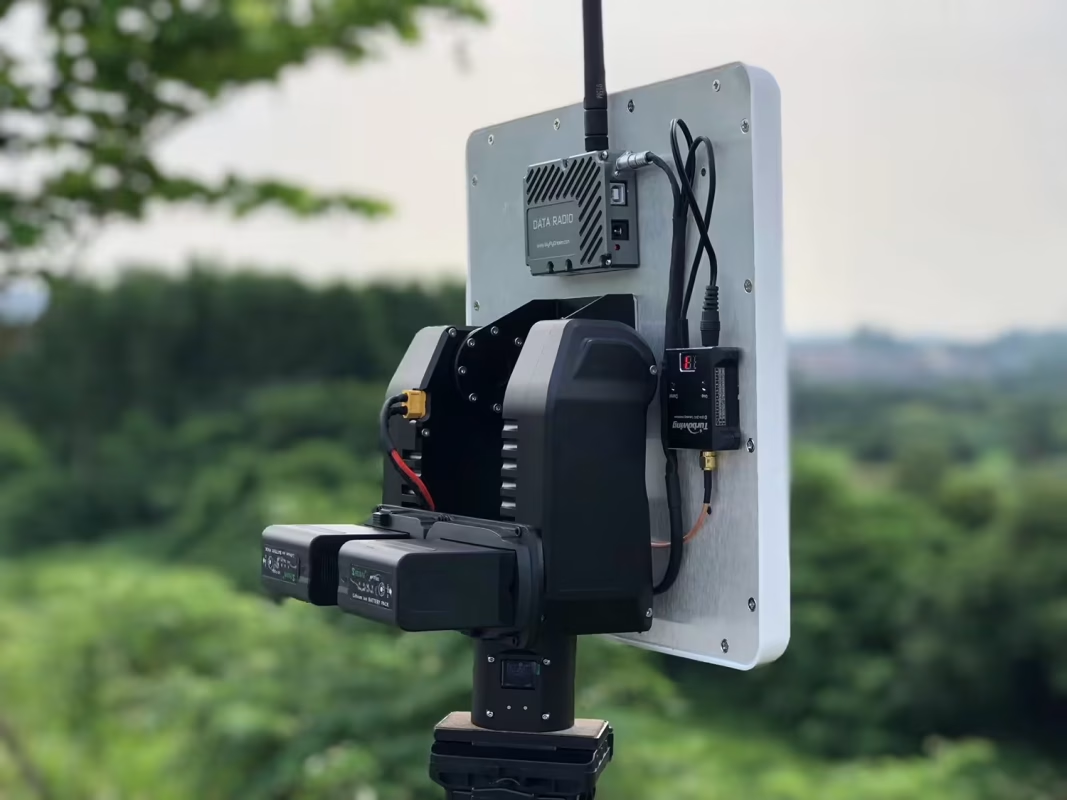
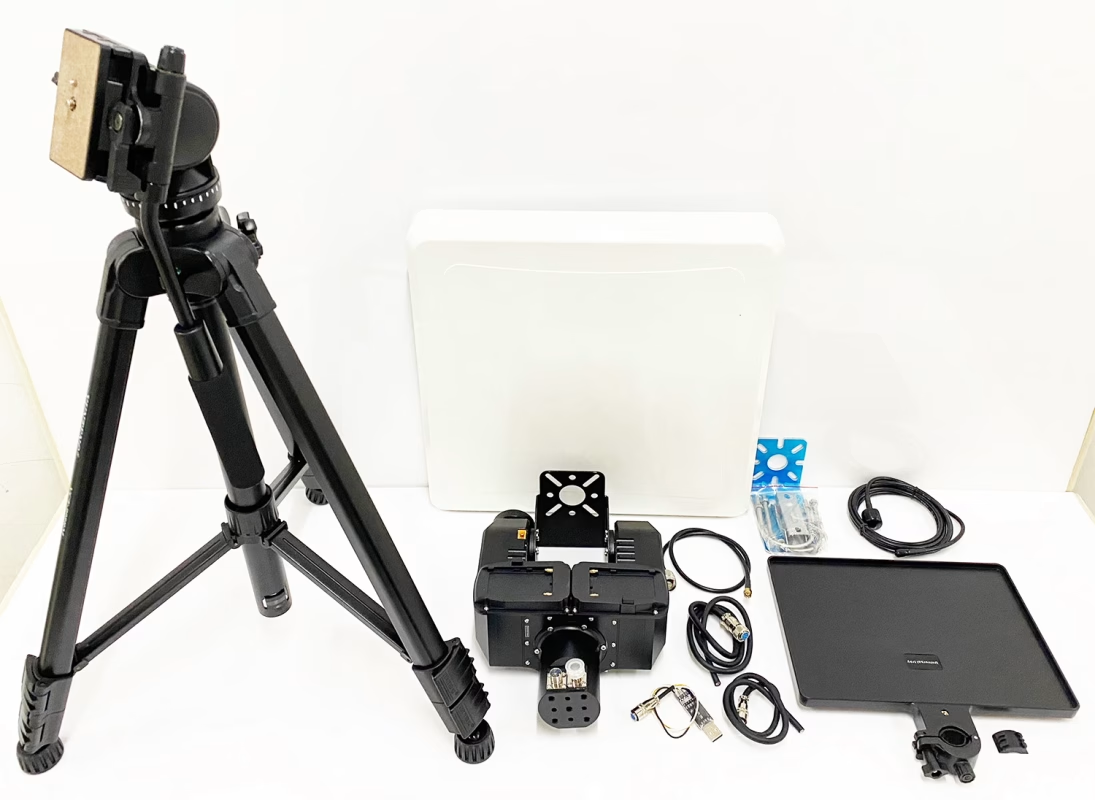
AAT (Automatic Antenna Tracker) and flat directional fiberglass antennas are very helpful for improving signal sensitivity and transmission distance of drones’ wireless video and data systems.
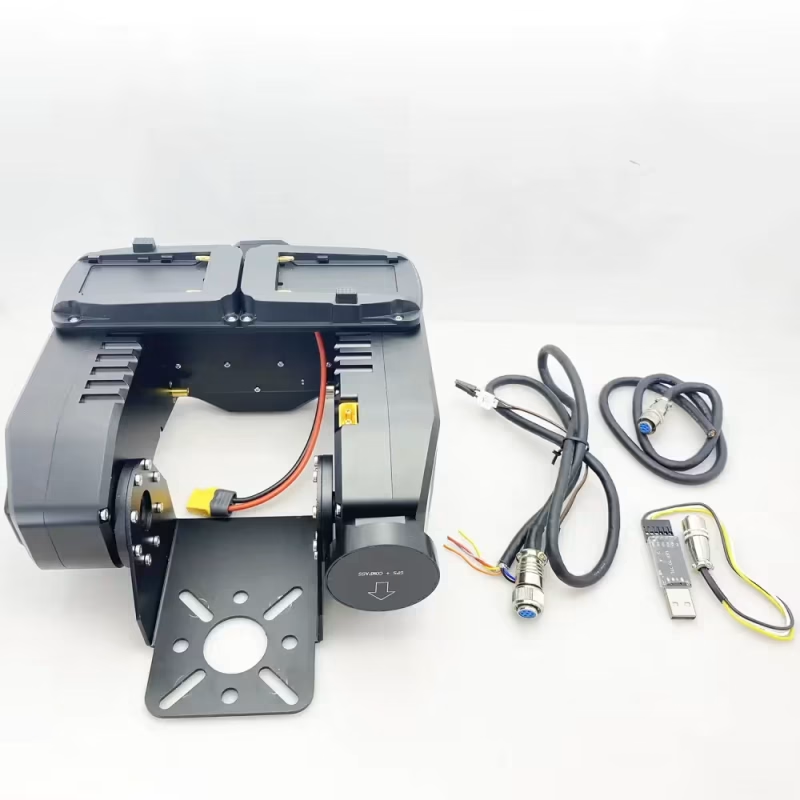
Some customers want to manually send commands to AAT (Automatic Antenna Tracker) via UART AT commands so that it can adjust to the default angle when it loses signal. This function can also be realized automatically by working with your ground control station software. So how can it be realized? Please download and upgrade the AAT software first. (Down and Upgrade AAT firmware)
How to send commands to AAT Automatic Antenna Tracker to manually adjust the angle
The following are the specific steps.
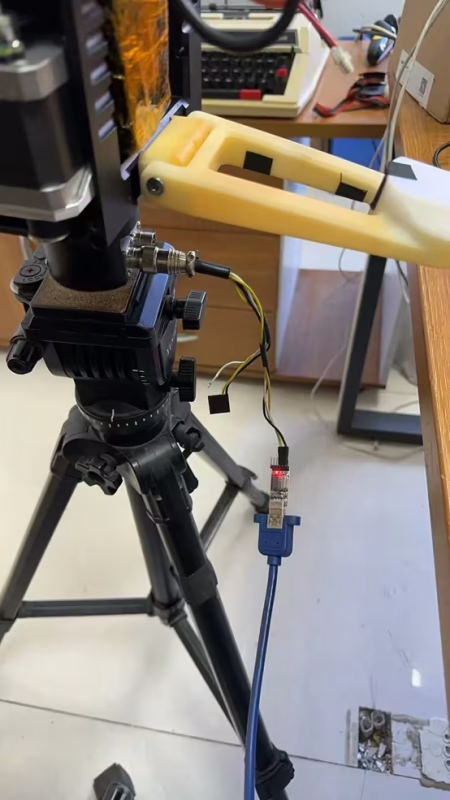
1. Connect the Crossbow AAT Automatic Antenna Tracker to your computer with the USB-TTL cable (please use the tool in the accessory of the Vcan1916). Select the correct COM port.
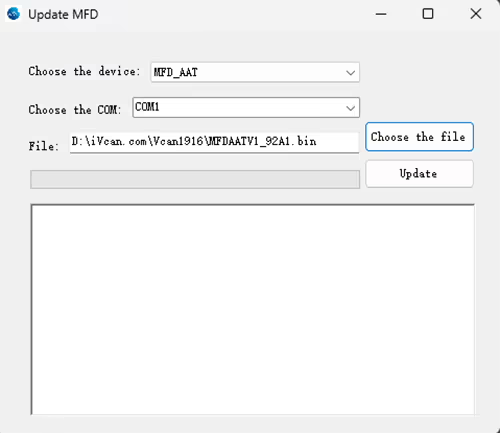
2. Update Firmware MFDAATV1_91A1.bin
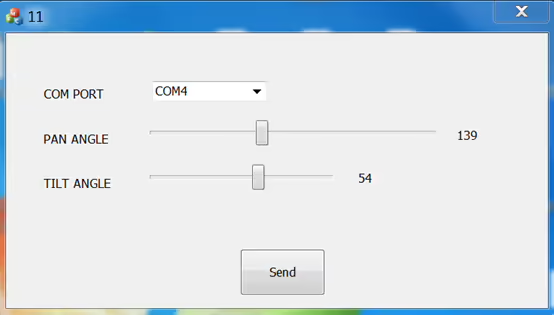
3. Exécutez MAVLinkProj.exe (en sélectionnant le bon port COM).
Téléchargez MAVLinkProj.exe sur le lien ci-dessous
https://drive.google.com/file/d/1xEqn_lUoiieNuf7Aoh87d2-3bHTV0GUh/view?usp=sharing
4. Réglez le tracker sur 115200 bps.
5. Sélectionnez un angle dans l'interface utilisateur de MAVLinkProj et cliquez sur le bouton Envoyer.. Le tracker indiquera l'angle correspondant.
Si vous voulez apprendre le protocole, veuillez télécharger le fichier ci-dessous.
https://drive.google.com/file/d/1TosLRNbjT1OZl38g4QpKQ46nnGXIMFAo/view?usp=drive_link
Pour plus de FAQ, veuillez consulter le lien ci-dessous.
Poser une question
Merci pour votre réponse. ✨