
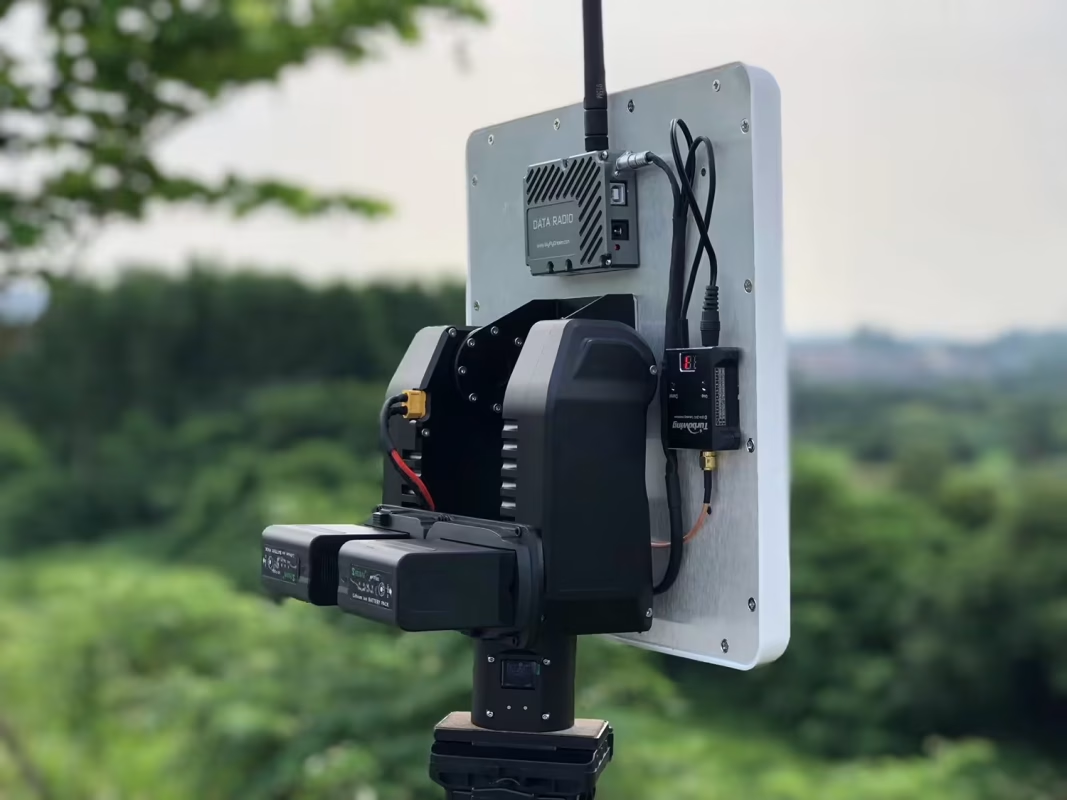
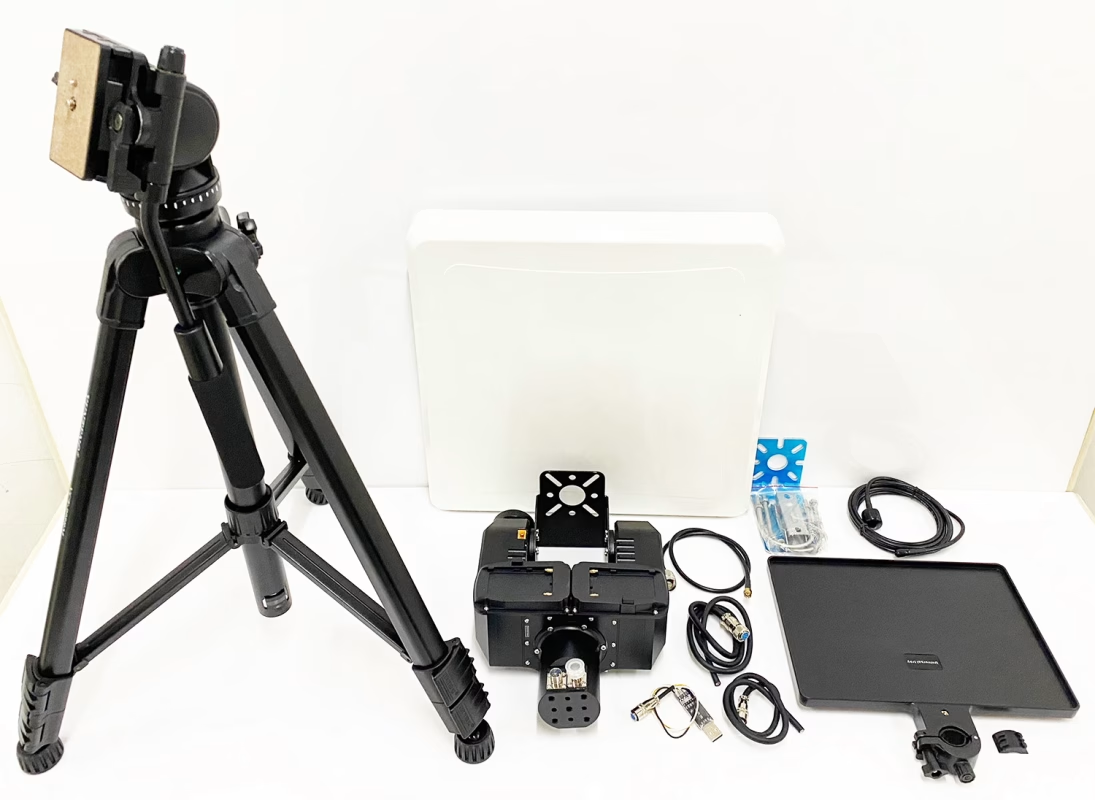
ААТ (Автоматический антенный трекер) и плоские направленные антенны из стекловолокна очень полезны для улучшения чувствительности сигнала и дальности передачи дронов.’ беспроводные системы видео и данных.
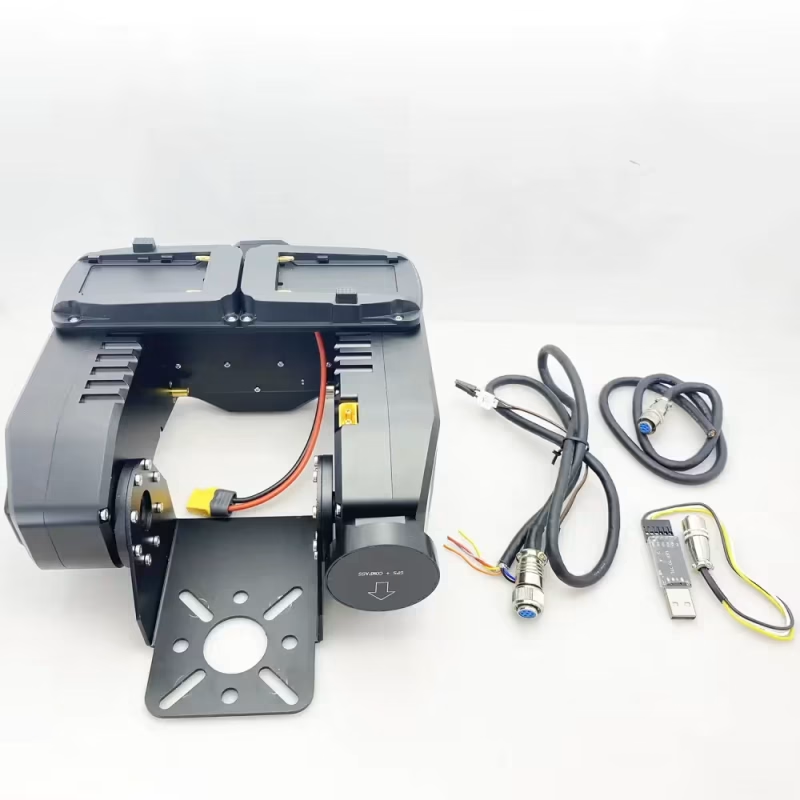
Некоторые клиенты хотят вручную отправлять команды в AAT. (Автоматический антенный трекер) через команды UART AT, чтобы он мог регулировать угол по умолчанию при потере сигнала. Эту функцию также можно реализовать автоматически, работая с программным обеспечением вашей наземной станции управления.. Так как же это можно реализовать? Сначала загрузите и обновите программное обеспечение AAT.. (Выключение и обновление прошивки AAT)
Как отправлять команды на автоматическое устройство слежения за антенной AAT для ручной регулировки угла
Ниже приведены конкретные шаги.
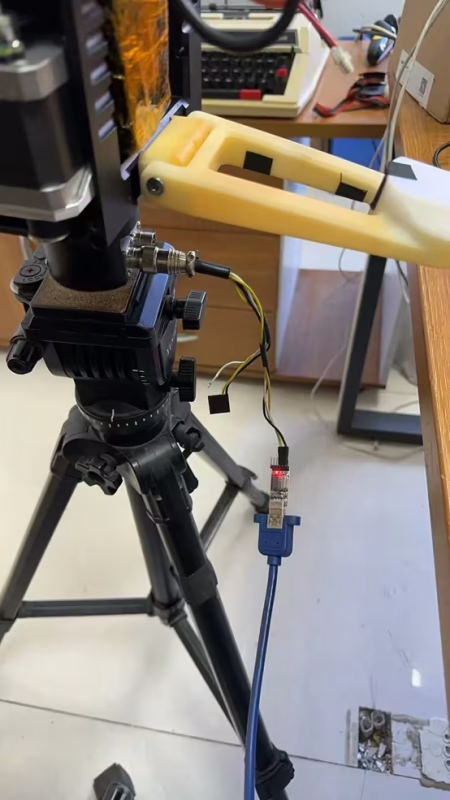
1. Подключите автоматический антенный трекер Crossbow AAT к компьютеру с помощью кабеля USB-TTL. (пожалуйста, используйте инструмент в аксессуаре Вкан 1916 г.). Выберите правильный COM-порт.
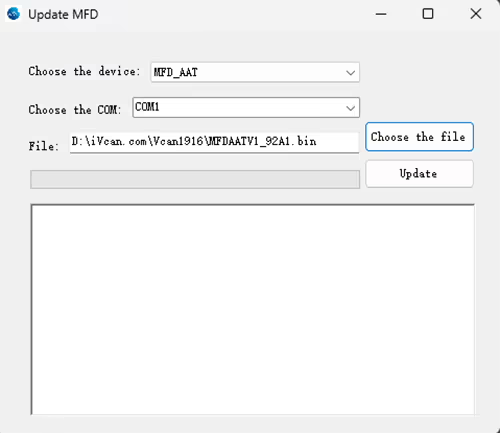
2. Обновить прошивку MFDAATV1_91A1.bin
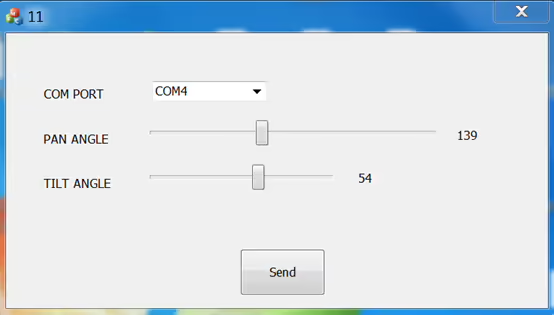
3. Запустите MAVLinkProj.exe. (выбрав правильный COM-порт).
Загрузите MAVLinkProj.exe по ссылке ниже.
https://drive.google.com/file/d/1xEqn_lUoiieNuf7Aoh87d2-3bHTV0GUh/view?usp=sharing
4. Установите трекер на 115200 б/с.
5. Выберите угол в пользовательском интерфейсе MAVLinkProj и нажмите кнопку «Отправить».. Трекер укажет на соответствующий угол.
Если вы хотите изучить протокол, пожалуйста, загрузите файл ниже.
https://drive.google.com/file/d/1TosLRNbjT1OZl38g4QpKQ46nnGXIMFAo/view?usp=drive_link
Дополнительные часто задаваемые вопросы, пожалуйста, посмотрите на ссылку ниже.
Задать вопрос
Спасибо за ответ. ✨