
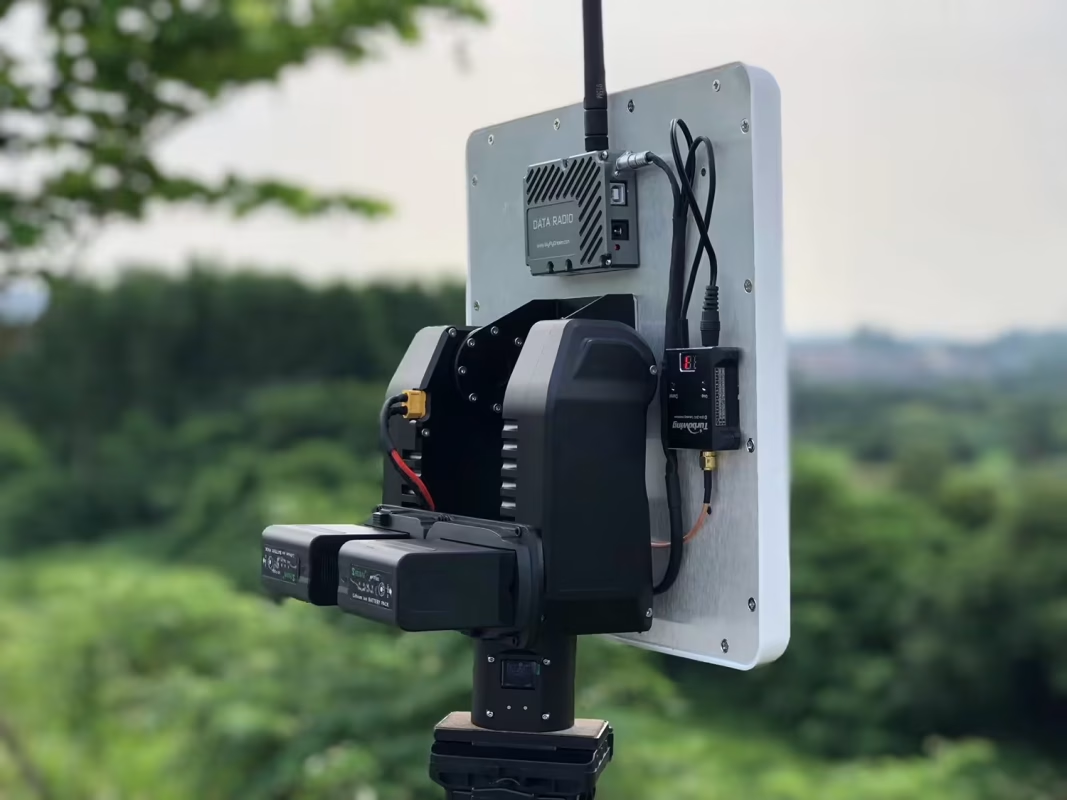
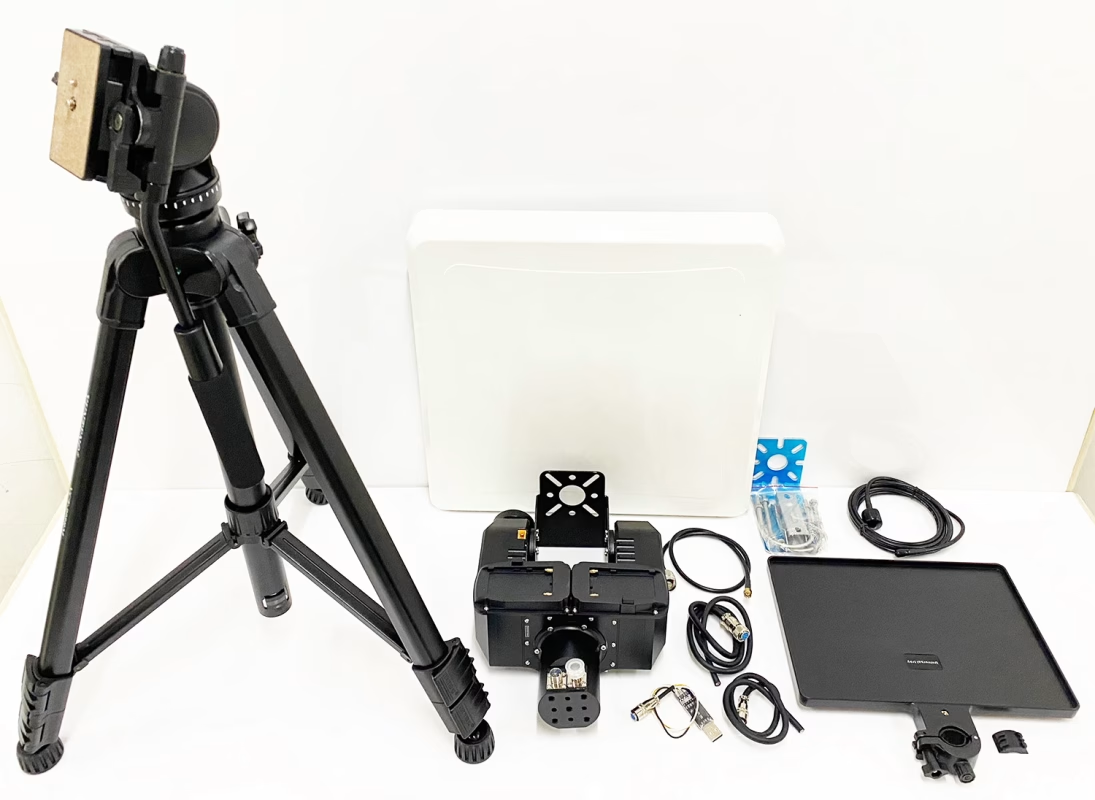
AAT (Automatic Antenna Tracker) and flat directional fiberglass antennas are very helpful for improving signal sensitivity and transmission distance of drones’ wireless video and data systems.
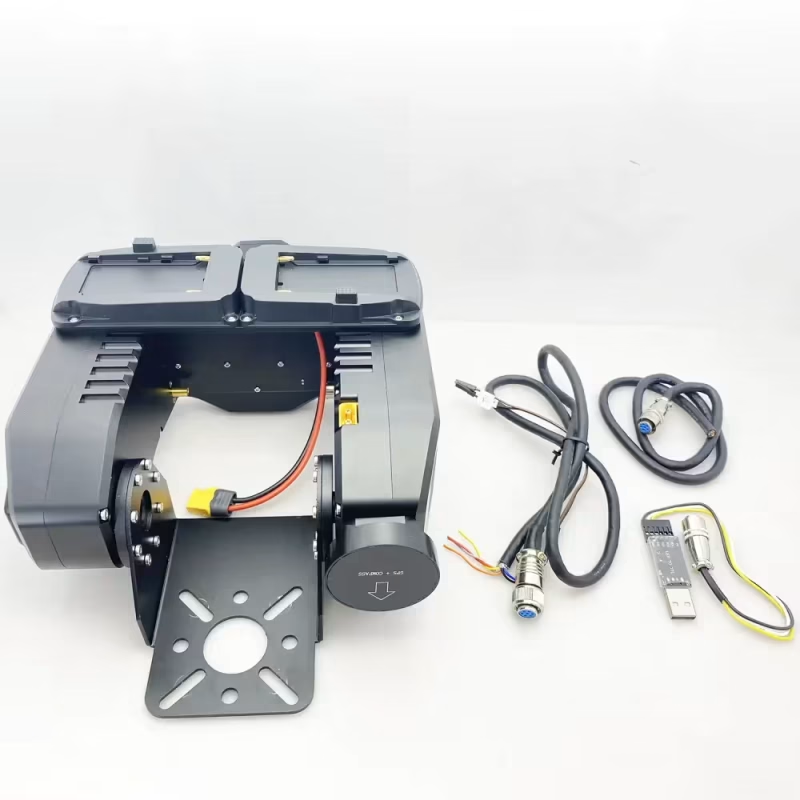
Some customers want to manually send commands to AAT (Automatic Antenna Tracker) via UART AT commands so that it can adjust to the default angle when it loses signal. This function can also be realized automatically by working with your ground control station software. So how can it be realized? Please download and upgrade the AAT software first. (Down and Upgrade AAT firmware)
Hur man skickar kommandon till AAT Automatic Antenna Tracker för att manuellt justera vinkeln
The following are the specific steps.
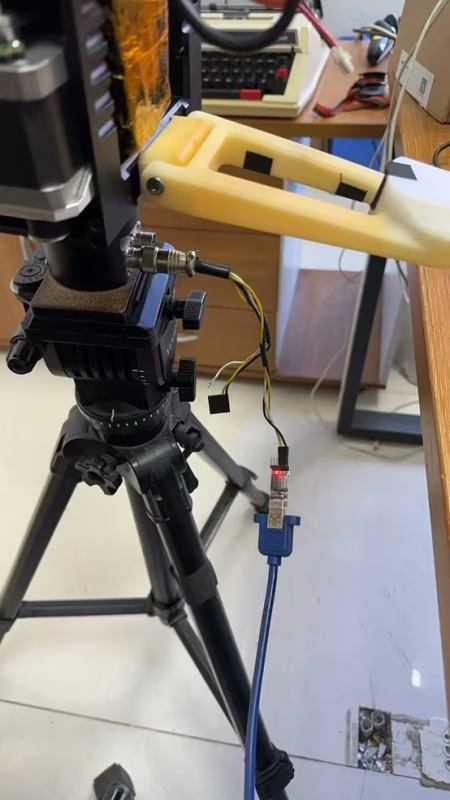
1. Connect the Crossbow AAT Automatic Antenna Tracker to your computer with the USB-TTL cable (please use the tool in the accessory of the Vcan1916). Select the correct COM port.
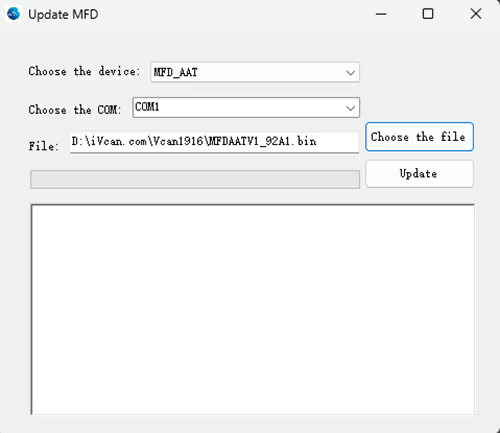
2. Update Firmware MFDAATV1_91A1.bin
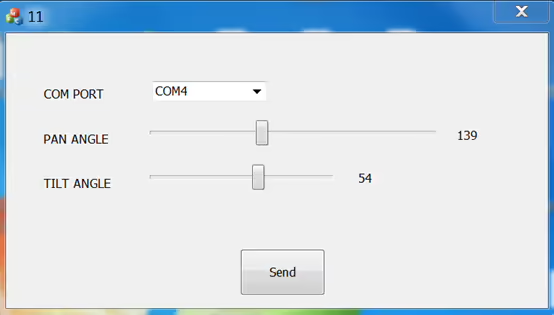
3. Run MAVLinkProj.exe (by selecting the correct COM port).
Download MAVLinkProj.exe at the below link
https://drive.google.com/file/d/1xEqn_lUoiieNuf7Aoh87d2-3bHTV0GUh/view?usp=sharing
4. Set the tracker to 115200 bps.
5. Select an angle in the MAVLinkProj UI and click the Send button. The tracker will point to the corresponding angle.
If you want to learn the protocol, please download the file below.
https://drive.google.com/file/d/1TosLRNbjT1OZl38g4QpKQ46nnGXIMFAo/view?usp=drive_link
For more FAQs, please have a look at the below link.
Ställa en fråga
Tack för din respons. ✨